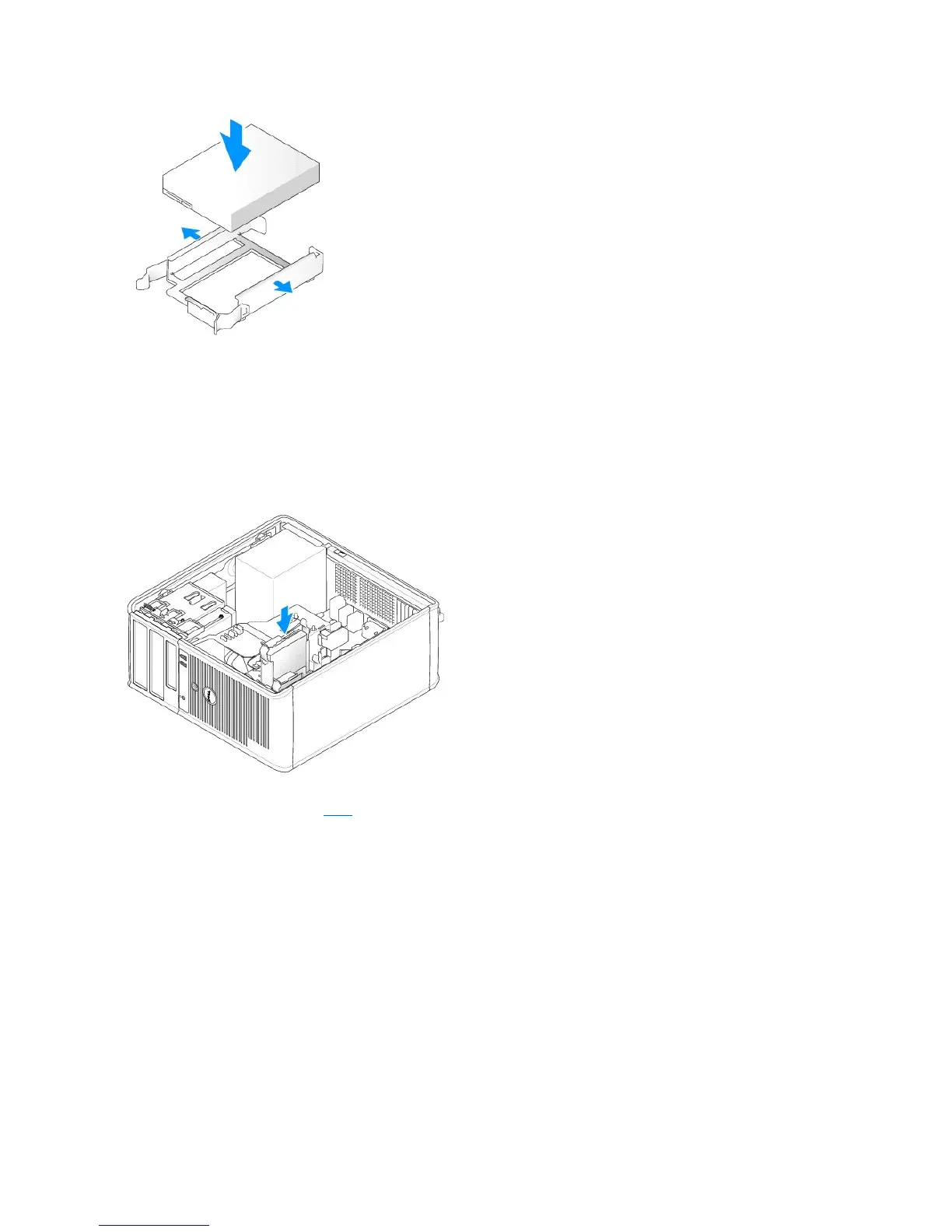
5. Move the first hard drive from the upper bay to the lower bay:
a. Disconnect the power and the data cables from the back of the first hard drive.
b. Press in on the blue release tabs on each side of the drive and slide the first hard drive up and out of the upper bay.
c. Gently slide the first hard drive into the lower bay until it clicks into place.
6. Gently slide the new hard drive into the upper bay until it clicks into place.
7. Connect a power cable to each drive.
8. Attach the SATA data cable removed in step5 to the first hard drive.
9. Locate an unused SATA connector on the system board and attach a drive cable to this connector and to the second hard drive.













 To Next Page