Set up your Alienware x16 R2
About this task
NOTE: The images in this document may differ from your computer depending on the configuration you ordered.
Steps
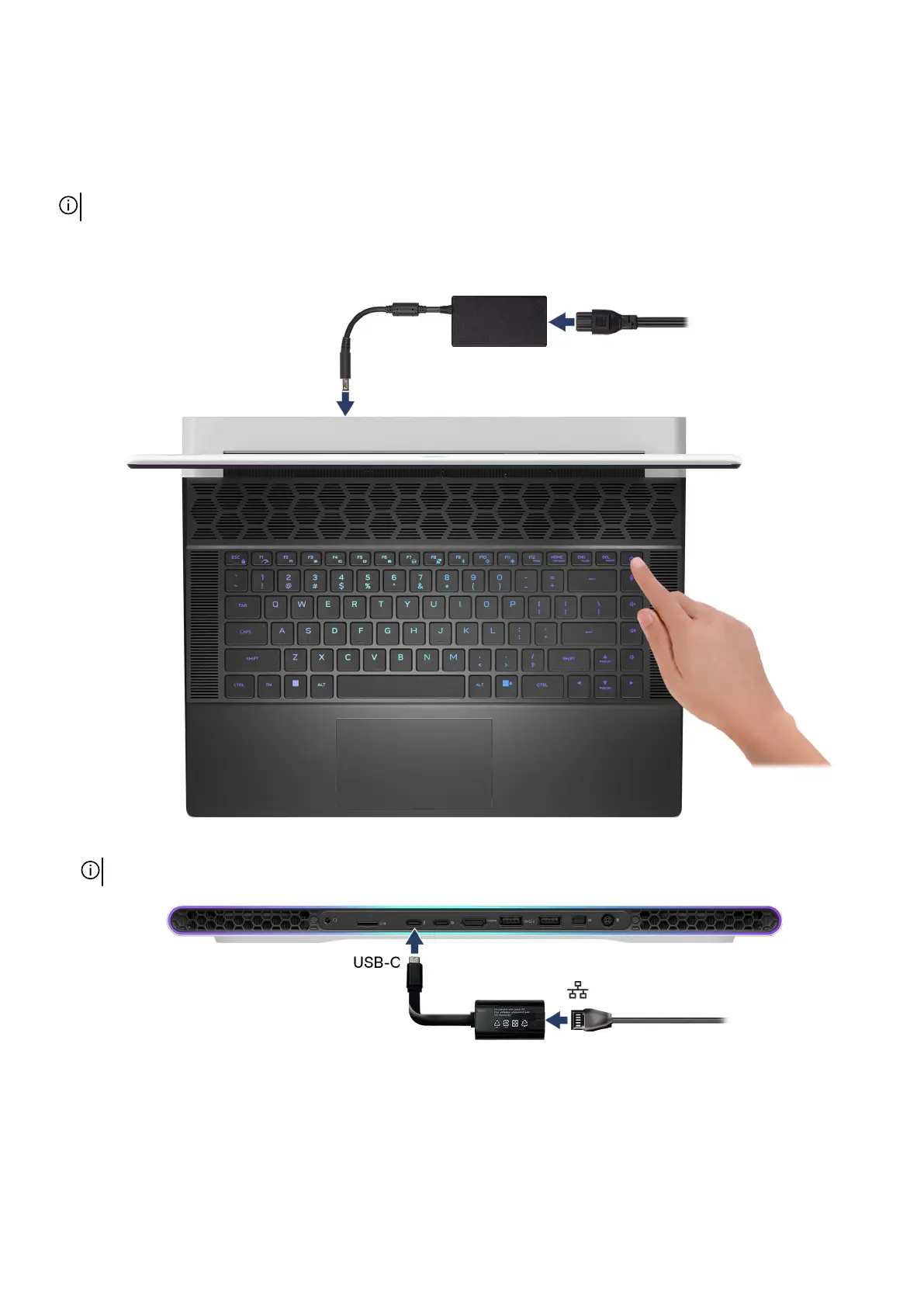
1. Connect the power adapter and press the power button.
2. Connect the USB Type-C Ethernet dongle to the Thunderbolt 4 port of your computer for wired network (optional).
NOTE: Depending on the configuration ordered, this computer may be shipped with a USB Type-C Ethernet dongle.
12



 To Next Page