4. Lift the base cover by holding it in the center at the bottom and slide the base cover off the palm-rest and keyboard assembly.
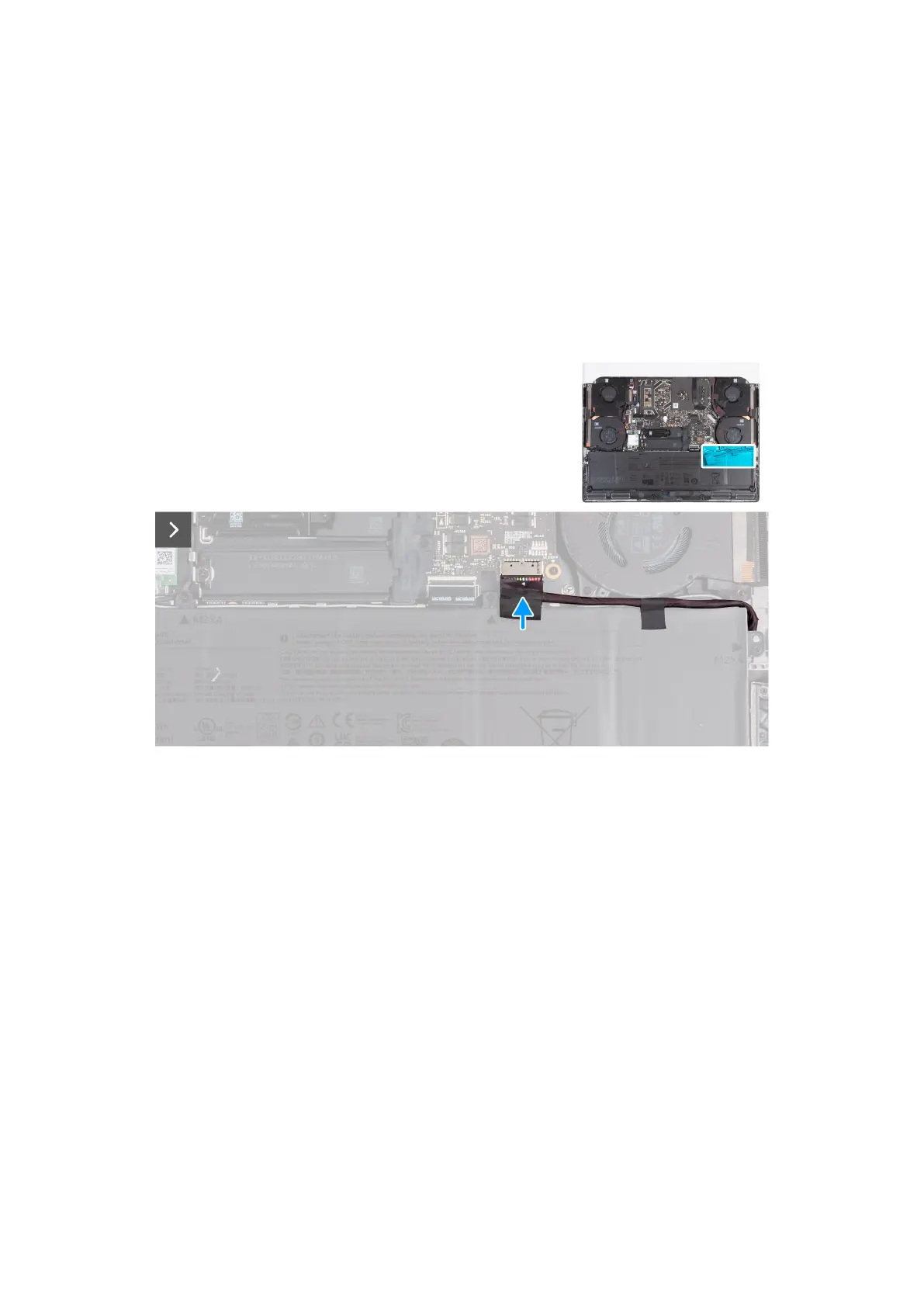
5. Disconnect the battery cable from the system board. 6. Press and hold the power button for 20 seconds to ground the computer
and drain the flea power.
Installing the base cover
Prerequisites
If you are replacing a component, remove the existing component before performing the installation process.
About this task
The following images indicate the location of the base cover and provide a visual representation of the installation procedure.
35



 To Next Page