Steps
1. Remove the five screws (M2x4) that secure the base cover to the palm-rest assembly.
2. Loosen the two captive screws.
3. Using a plastic scribe, pry the base cover from the bottom left and continue to work on the sides to open the base cover.
4. Lift and slide the base cover off the palm-rest assembly.
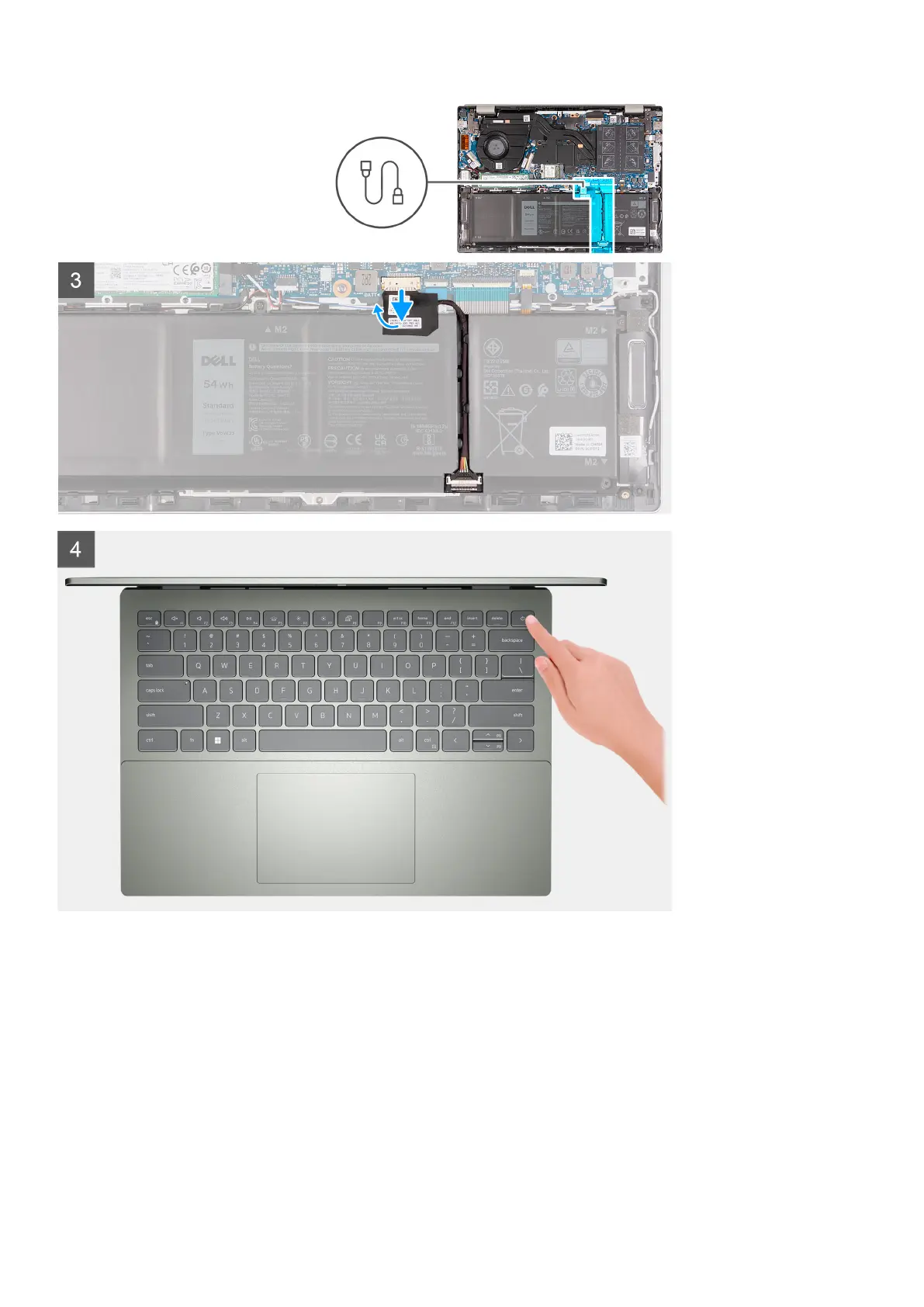
5. Disconnect the battery cable from the system board.
6. Press and hold the power button for five seconds to ground the computer and drain the flea power.
Removing and installing components
15



 To Next Page