Top
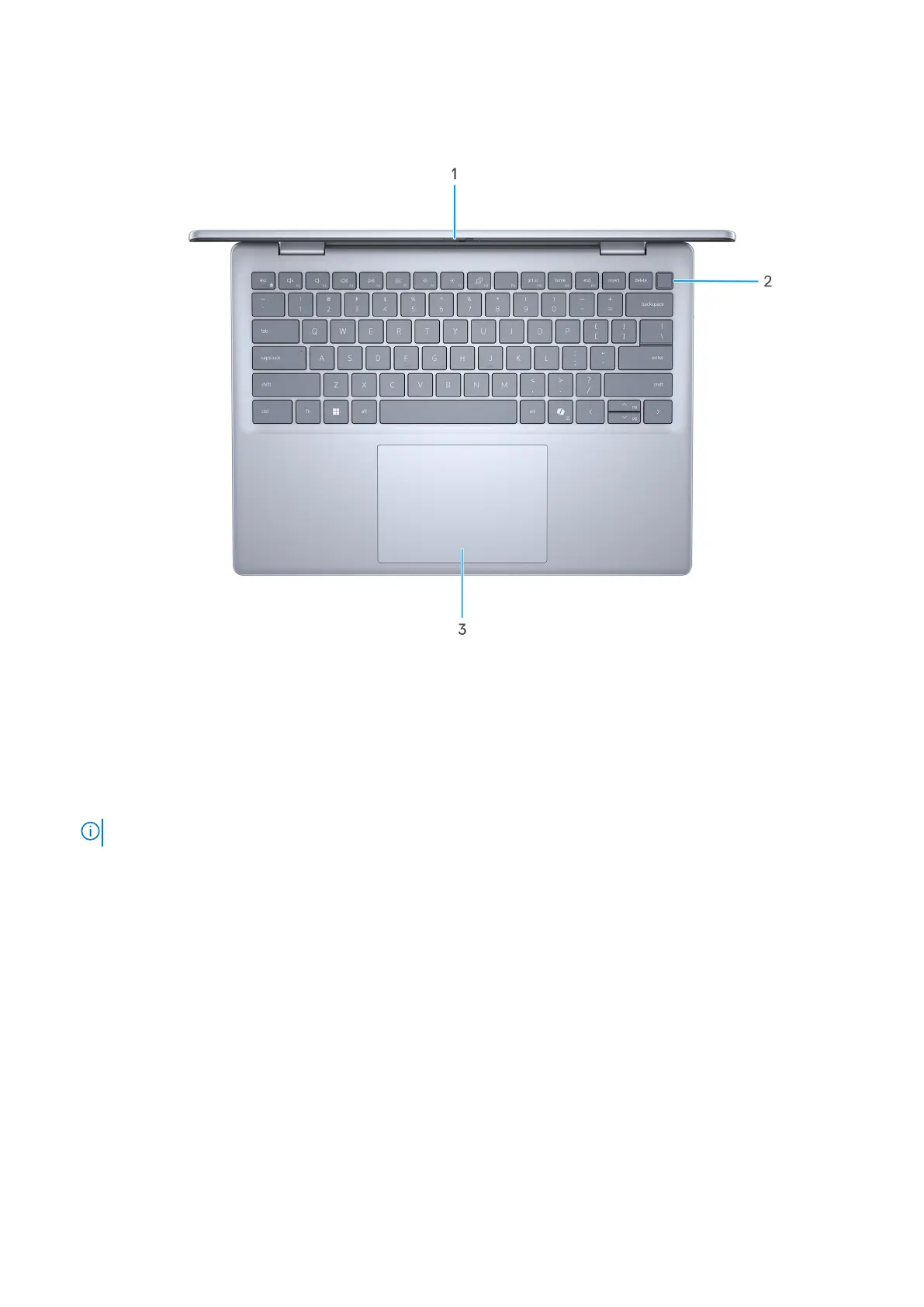
Figure 4. Top view
1. Display
Displays the data, videos, and photos.
2. Fingerprint reader (optional)
Press your finger on the fingerprint reader to log in to your computer. The fingerprint reader enables your computer to
recognize your fingerprints as a password.
NOTE: Configure the fingerprint reader to register your fingerprint and enable access.
3. Touchpad
Move your finger on the touchpad to move the mouse pointer. Tap to left-click and two fingers tap to right-click.
Views of Inspiron 14 5440
9



 To Next Page