Operating the monitor │ 45
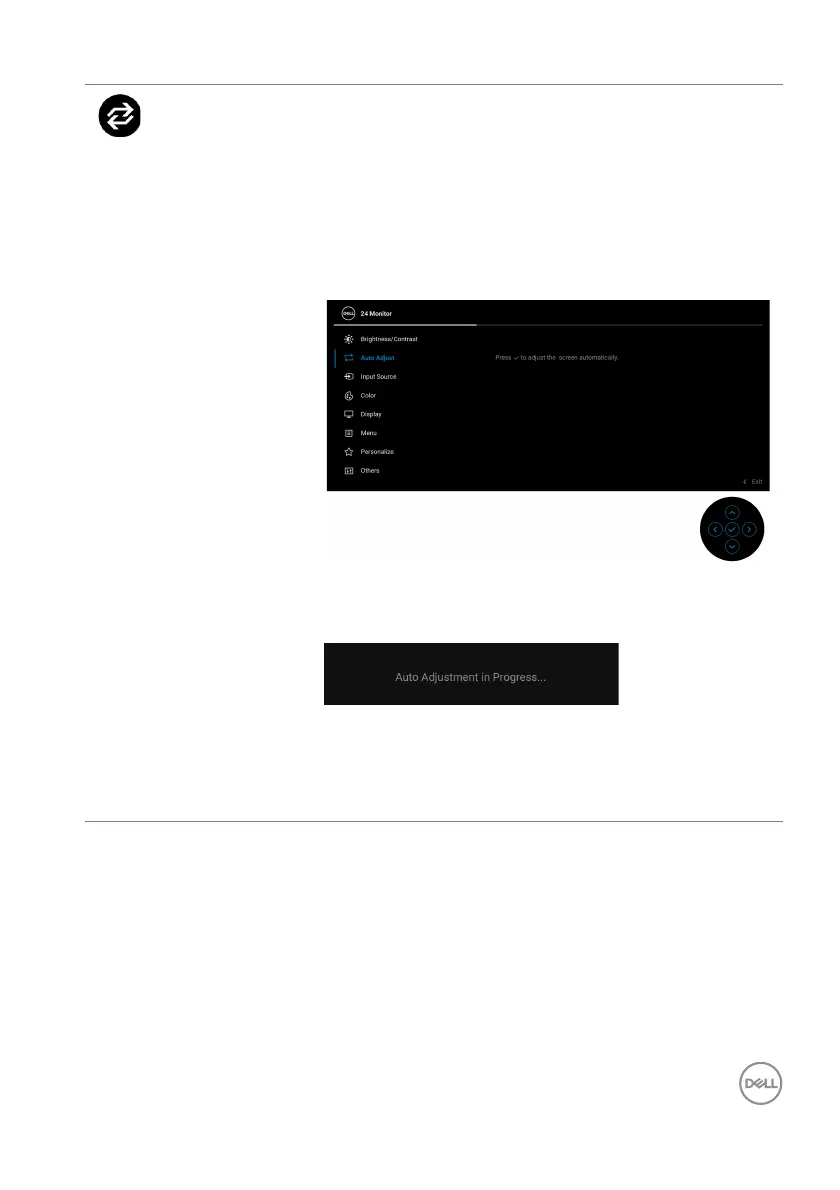
Auto Adjust Even though your computer recognizes your monitor
on startup, the Auto Adjust function optimizes the
display settings for use with your particular setup.
Auto Adjust a
llows the monitor to self-adjust to the
incoming video signal. After using Auto Adjust, you
can further tune your monitor by using the Pixel
Clock (Coarse) and Phase (Fine) controls under
Display settings.
The following dialog appears as the monitor
automatically adjusts to the current input:
NOTE: In most cases, Auto Adjust produces the best
image for your configuration.
NOTE: Auto Adjust is
only available when your
monitor is connected using the VGA cable.



 To Next Page