48 │ Operating the monitor
Preset Modes • Cool: Presents colors at higher color temperatures.
The screen appears cooler with a blue tint.
• Cust
om Color: Allows you to manually adjust the
color settings. Use the joystick to adjust the three
colors (R, G, B) values and create your own preset
color mode.
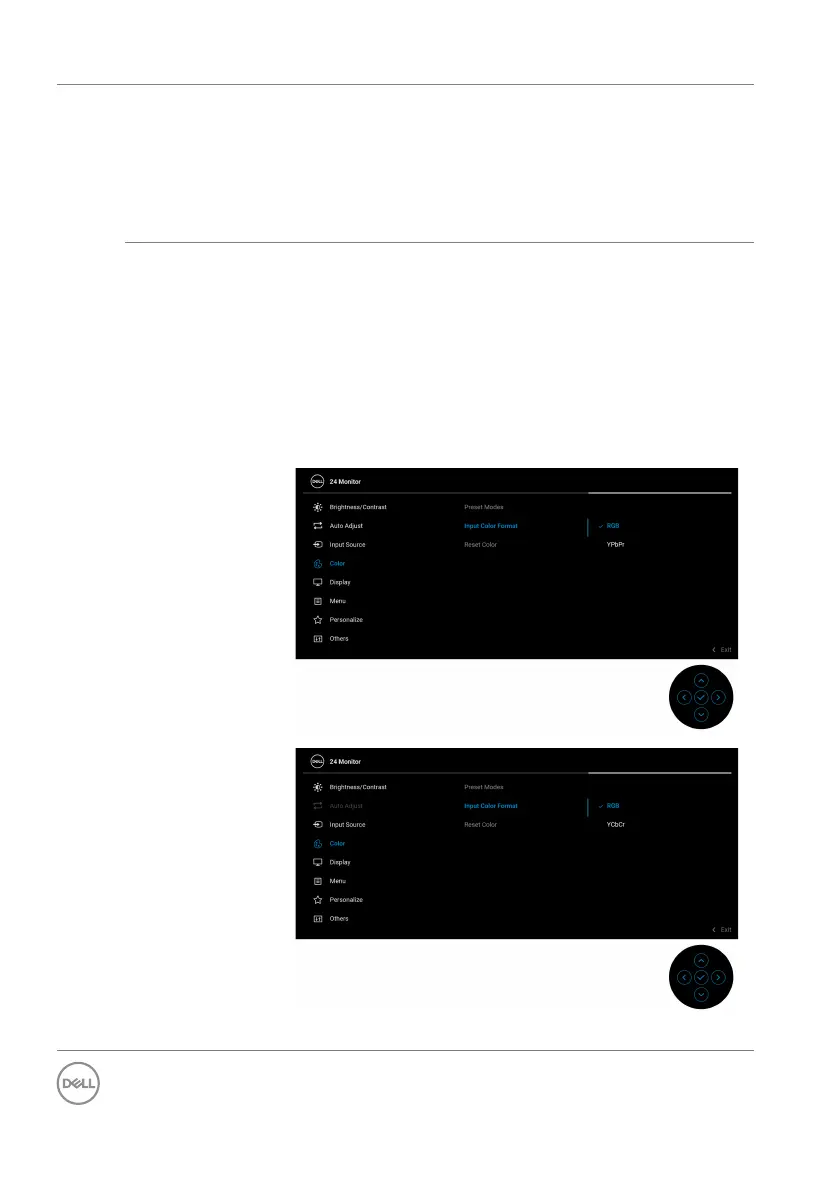
Input Color
Fo
rmat
Allows you to set the video input mode to:
• RGB: S
elect this option if your monitor is
connected to a computer or a media player that
supports RGB output.
• YC
bCr/YPbPr*: Select this option if your media
player supports YCbCr (digital)/YPbPr (analog)
output.
Press the joystick to confirm the selection.
*When VGA input is selected.



 To Next Page