Operating the monitor │ 57
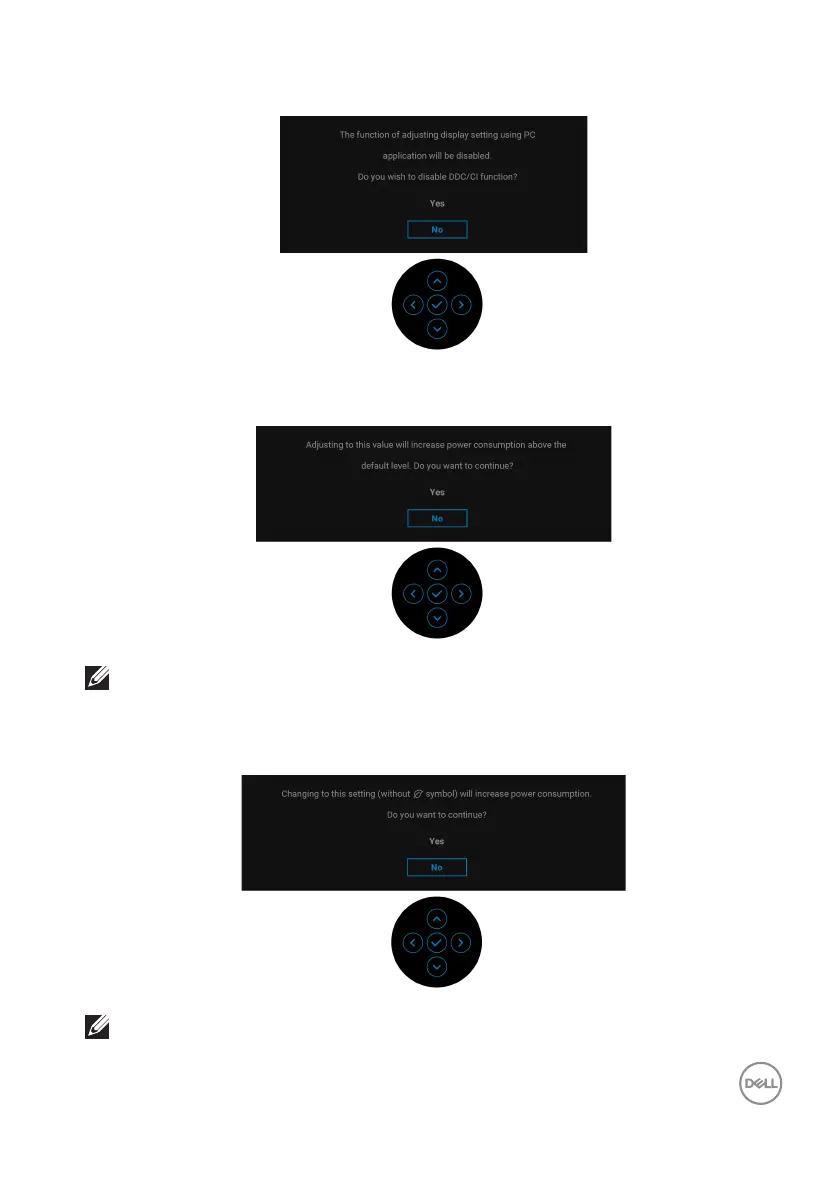
You will see the following message before the DDC/CI function is disabled:
When you adjust the Brightness level above the default level for the first time, the
following message appears:
NOTE: If you select Yes, the message will not appear the next time you
change the Brightness setting.
When you change the default USB setting for the first time
, the following message
appears:
NOTE: If you select Yes, the message will not appear the next time you
change the USB setting. When you perform a factory reset, the
message will appear again.



 To Next Page