About your monitor | 15
9
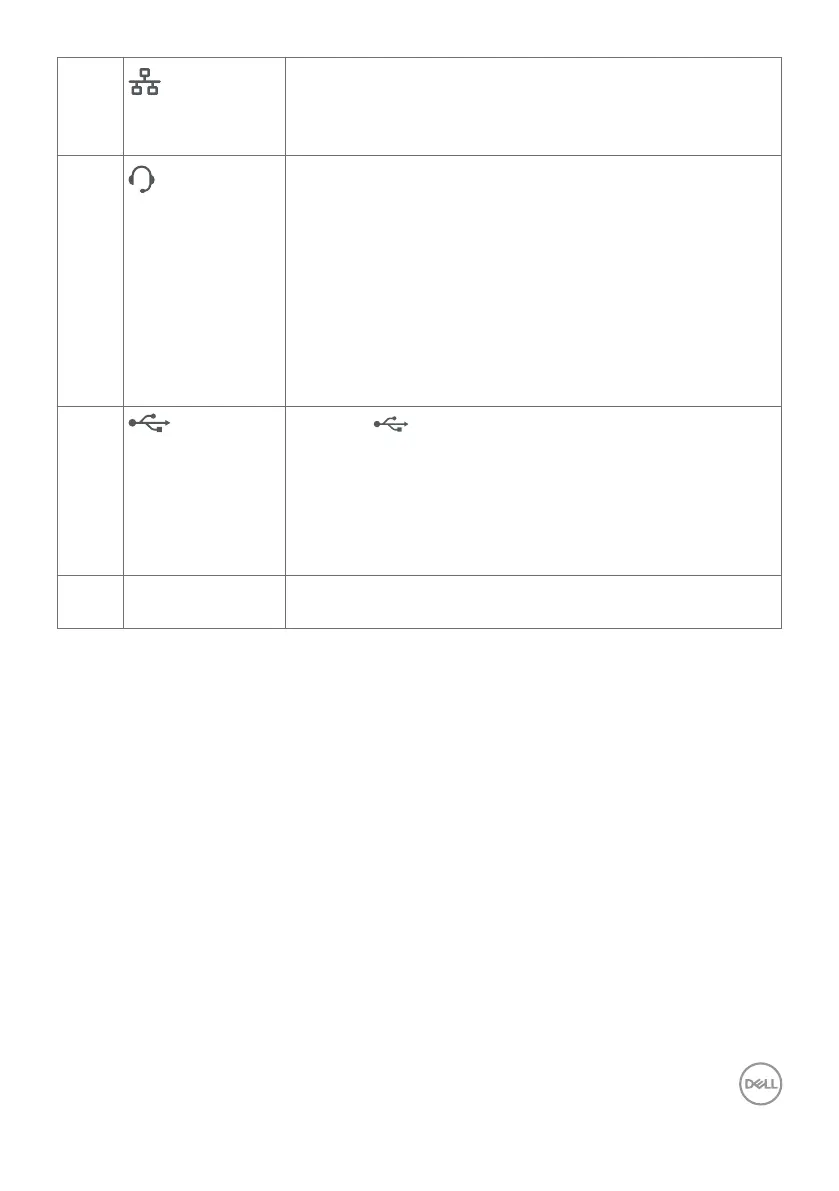
RJ45 connector
Connect to Internet. You can surf Internet via RJ45 only
after you have connected the USB cable(Type-A to
Type-B or Type-C to Type-C) from the computer to the
monitor.
11
3.5 mm Combo
Headphone with
microphone jack
Connect headphones or headset through HDMI or
DisplayPort or USB Type-C audio channels. To use the
microphone function, ensure a USB upstream cable is
connected and select Echo Cancelling Speakerphone
audio path in the Sound setting interface. Headphone jack
supports headset with microphone.
NOTE: Excessive sound pressure from earphones
or headphones can cause hearing damage or loss.
Adjustment of the equalizer to maximum increases the
earphones and headphones output voltage and therefore
the sound pressure level.
12
USB Type-C
downstream port
(Data only)
Port with icon supports 5 V/3 A.
Connect your USB device. You can use these ports only
after you have connected the USB cable (Type-A to
Type-B or Type-C to Type-C) from the computer to the
monitor.
NOTE: This port is downstream only and unable to
broadcast video or sound to the display or speakers.
13 Stand lock Lock the stand to the monitor using a M3 x 6 mm screw
(screw not included).



 To Next Page