94 | Operating the monitor
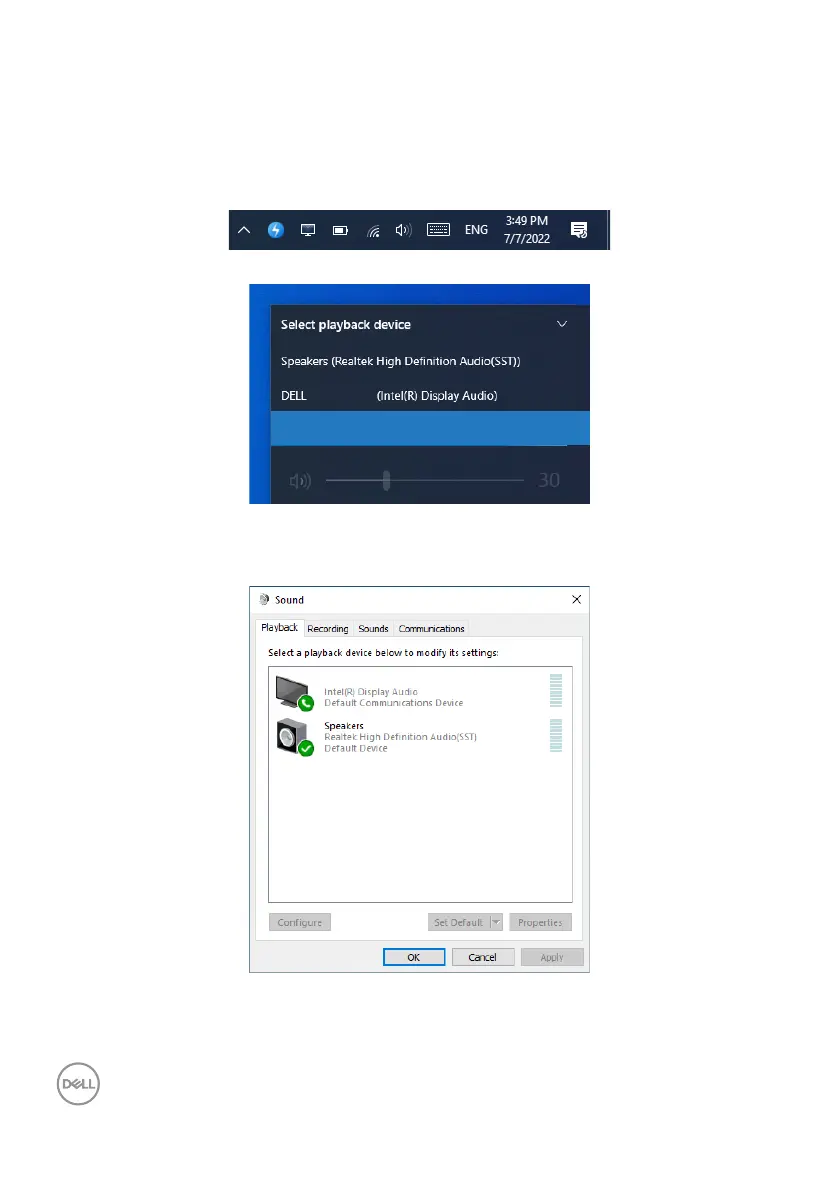
Setting up the monitor speaker as default setting on
the operating system
When your computer connects multiple speakers, if you want to set up the monitor
speaker as default setting, please follow below instructions:
Right-click Volume in the Windows task bar notification area.
Click Playback devices enter to Sound setting interface.
P3424WEB
Echo Cancelling Speakerphone (DELL P3424WEB USB)
If only the HDMI or DP cable is connected from your monitor to the computer, only one
speaker named DELL P3424WEB from the monitor will show in the Sound setting
interface.
DELL P3424WEB



 To Next Page