Setting up the monitor | 55
Dell Peripheral Manager
What is Dell Peripheral Manager?
The Dell Peripheral Manager application helps you manage and set up various Dell
Peripherals connected to your computer. It allows the user to make changes to
webcam settings of the device and provides additional customization.
For more details on the application and the customizations available for the Dell
P3424WEB, find the User’s Guide for Dell Peripheral Manager at
https://www.dell.com/support.
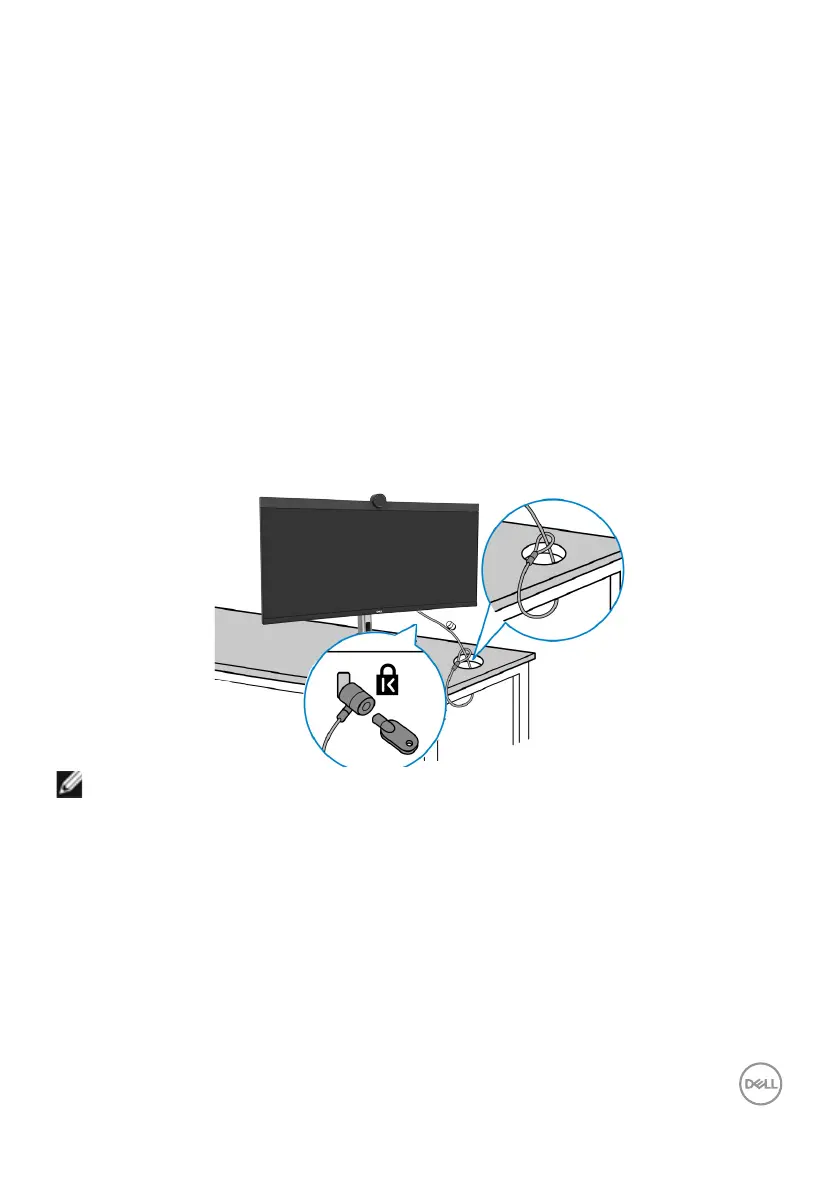
Securing your monitor using Kensington lock (optional)
The security lock slot is located at the bottom of the monitor. (See Security lock
slot). Secure your monitor to a table using the Kensington security lock.
For more information on using the Kensington lock (purchased separately), see the
documentation that is shipped with the lock.
NOTE: The image is for the purpose of illustration only. Appearance of the
lock may vary.



 To Next Page