About your monitor | 19
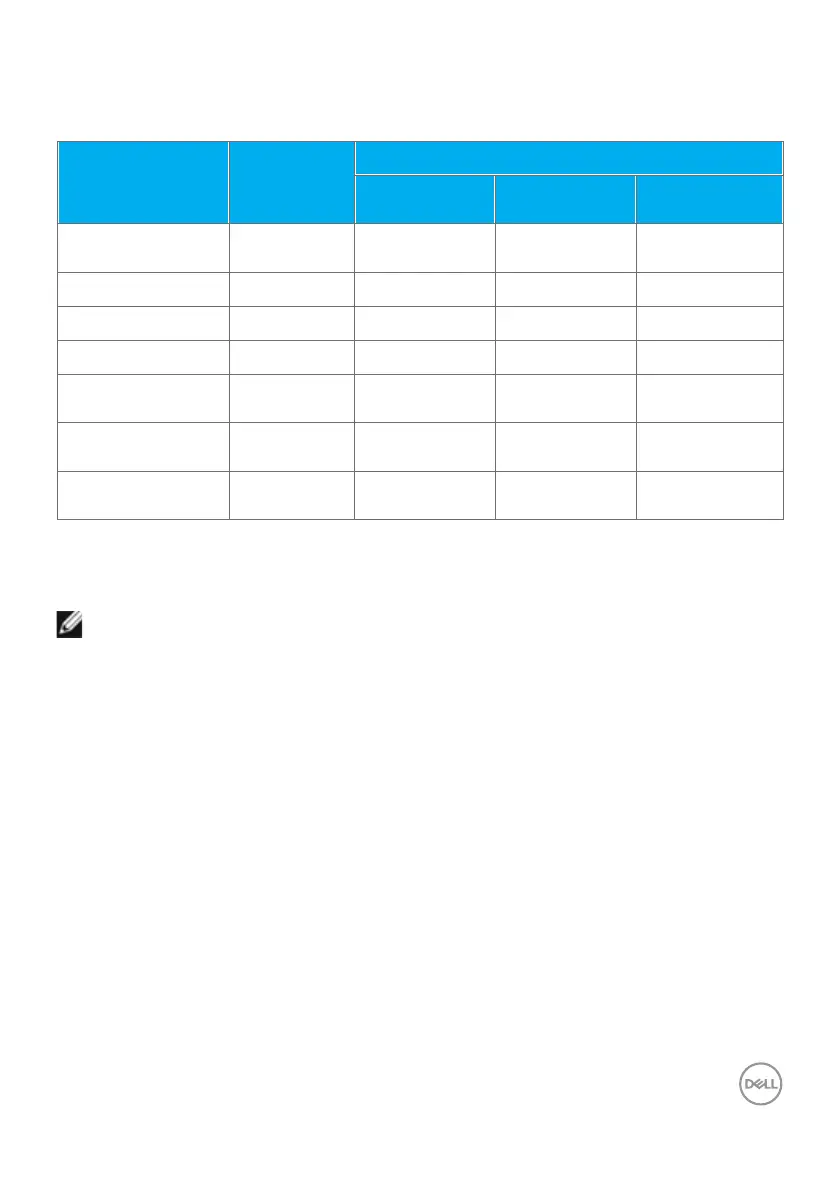
Unified Communications (UC) Platform Compatibility List
The table below highlights the call functions that work on the Dell Video Conferencing
Monitor – P3424WEB monitor when using the following UC platforms.
Call functions Button
UC platforms
Microsoft
Teams
Skype for
Business
Zoom
Bring up Microsoft
Teams
Teams Supported Not supported Not supported
Answer call
Hookswitch Supported Supported Not supported
End call
Hookswitch Supported Supported Not supported
Reject call
Hookswitch Supported Supported Not supported
Adjust speaker
volume down
Volume down Supported Supported** Supported
Adjust speaker
volume up
Volume up Supported Supported** Supported
Mute/unmute
microphone
Mute Supported Supported Supported*
* Mute function on the Dell P3424WEB monitor works by pressing the Mute button.
However, the Mute icon on the UC platform is not synchronized (icon shows unmute).
** Volume function on the Dell P3424WEB monitor does not work on macOS.
NOTE: For information about supported operating system, see Operating
system compatibility.



 To Next Page