Operating the monitor | 71
Icon Menu and
Submenus
Description
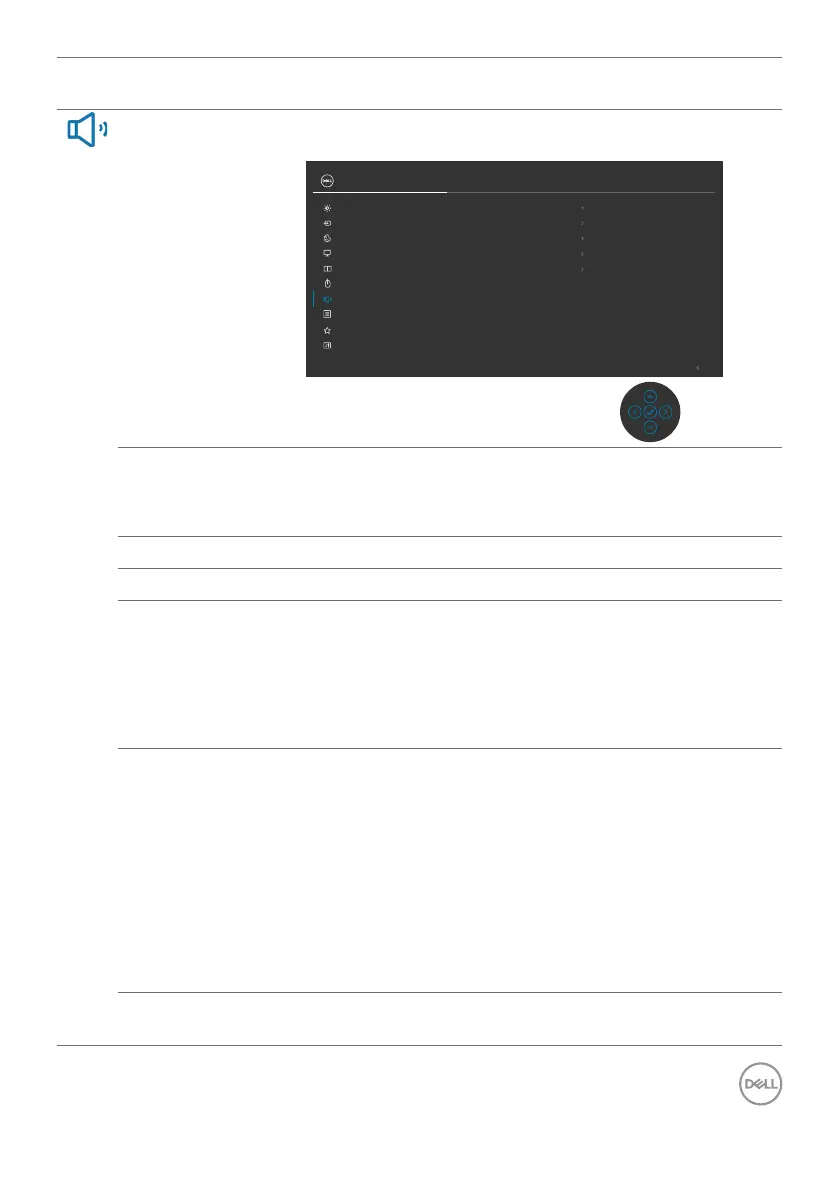
Audio & Webcam
Use the Audio Settings menu to adjust the audio
settings.
Exit
34 Monitor
Input Source
Color
Brightness/Contrast
Display
PIP/PBP
Personalize
Others
Menu
USB
Audio & Webcam
Microphone
Webcam & Presence Sensor
Audio Proles
Reset Audio & Webcam
Speaker
Unmute
Unmute
Disable
Standard
Volume
50
Volume
Allows you to increase the speaker volume.
Move the joystick up and down to adjust the volume
from ‘0’ to ‘100’.
Speaker
Select On or Off the Speaker function.
Microphone
Select Mute or Unmute the Microphone function.
Webcam &
Presence Sensor
Select Enable or Disable the Webcam and Presence
Sensor function.
NOTE: Disabling “webcam & presence sensor” will turn
off the whole webcam module, webcam and sensor will
not appear in the system.
Rotate Camera to lock and unlock camera shutter.
Audio Profiles
Expand to show the various audio profiles.
• Voice mode, emphasize on speech, ideal for voice
and video calls.
• Movie mode, emphasizes voice and low frequency
sound, for more immersive video viewing experience.
• Gaming mode, boosting low and high frequencies,
for an improved sense of space and orientation in
gaming.
• Music mode, provides a flat EQ profile, for faithful
music reproduction.
Reset Audio &
Webcam
Resets all settings under the Audio and Webcam menu
to the factory preset values.



 To Next Page