Operating the monitor | 75
Icon Menu and
Submenus
Description
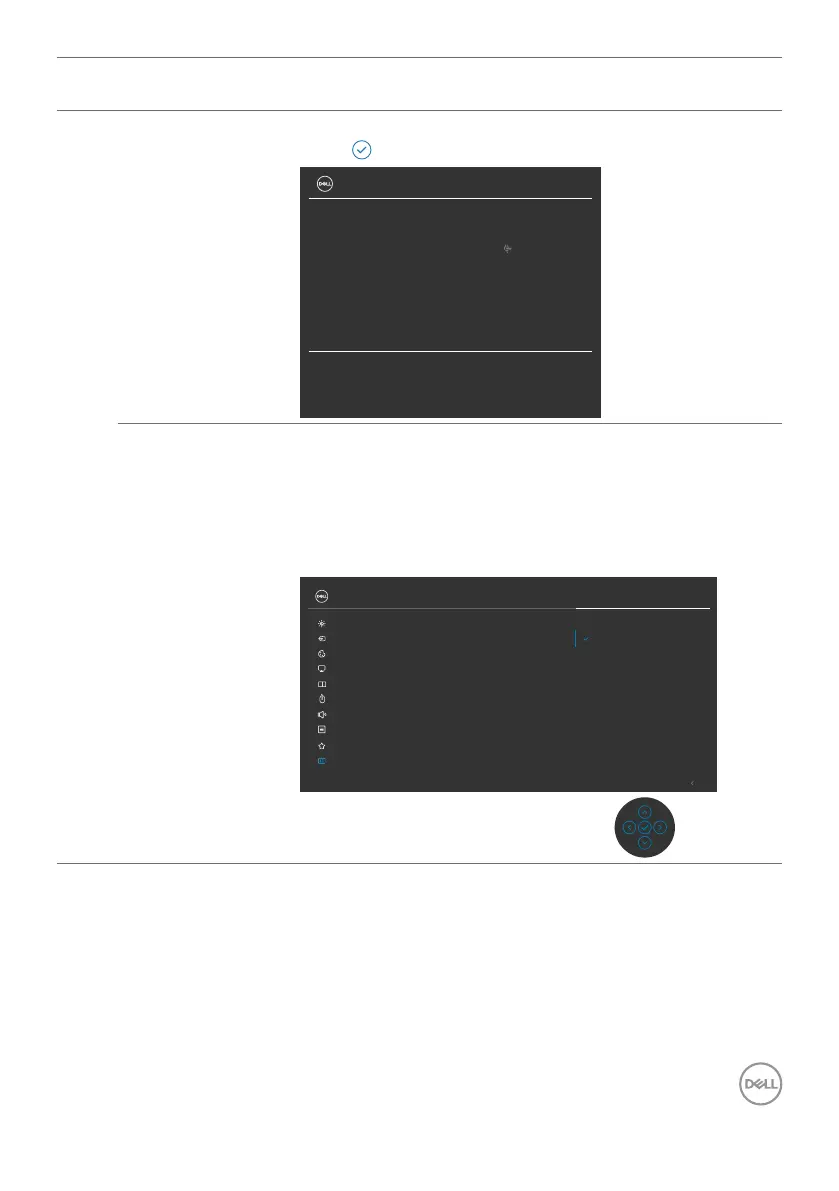
Display Info Displays the monitor’s current settings.
Press to select this function.
34 Monitor
Input Source:
Resolution:
Input Capability:
USB Upstream:
USB-C
3440x1440, 60 Hz, 24 -bit
USB-C 90W
DP 1.2
HDMI 2.1 TMDS
USB-C
Model:
Firmware:
Service Tag:
P3424WEB
M2T101
CN073K0
DDC/CI DDC/CI (Display Data Channel/Command Interface)
allows your monitor parameters (brightness, color
balance, and etc.) to be adjustable via the software on
your computer. You can disable this feature by selecting
Off. Enable this feature for best user experience and
optimum performance of your monitor.
LCD Conditioning O
DDC/CI On
Exit
34 Monitor
Input Source
Color
Brightness/Contrast
Display
PIP/PBP
Personalize
Others
Menu
USB
Audio & Webcam
Display Info
Firmware
Service Tag
Reset Others
Factory Reset
Self-Diagnostic



 To Next Page