Operating the monitor | 83
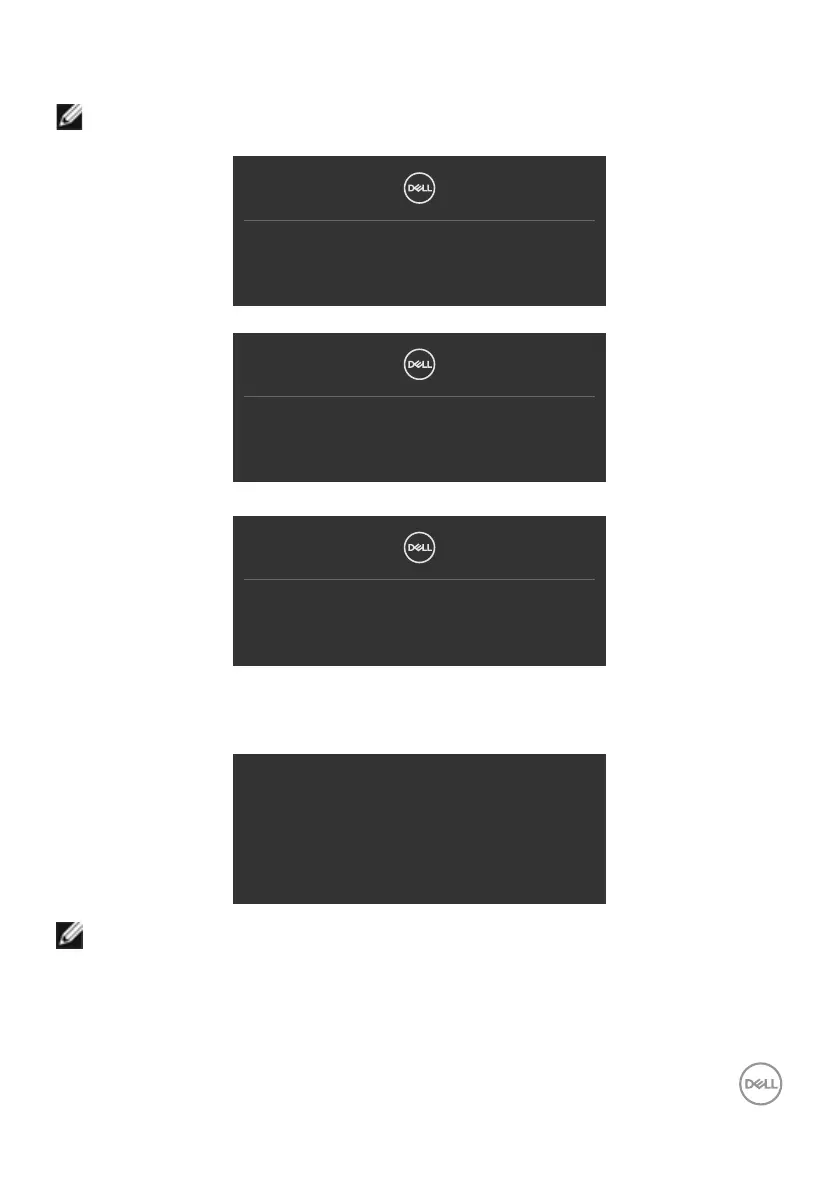
If either USB Type-C/DP/HDMI input is selected and the corresponding cable is not
connected, a floating dialog box as shown below appears.
NOTE: The message may be slightly different according to the connected
input signal.
No DP Cable
The display will go into Standby Mode in 4 minutes.
Dell.com/support/P3424WEB
or
No USB-C Cable
The display will go into Standby Mode in 4 minutes.
Dell.com/support/P3424WEB
or
No HDMI Cable
The display will go into Standby Mode in 4 minutes.
Dell.com/support/P3424WEB
When the USB upstream cable is not connected, and you press the Teams/
Hookswitch/Mute button, the following message will appear:
This function is inactive.
To enable it,
you need to connect USB upstream to the monitor.
NOTE: For the Teams/Hookswitch/Volume down/Volume up/Mute buttons
to work, you need to connect the USB upstream cable (Type-A to Type-B
or Type-C to Type-C) from the PC to the monitor.
See Troubleshooting for more information.



 To Next Page