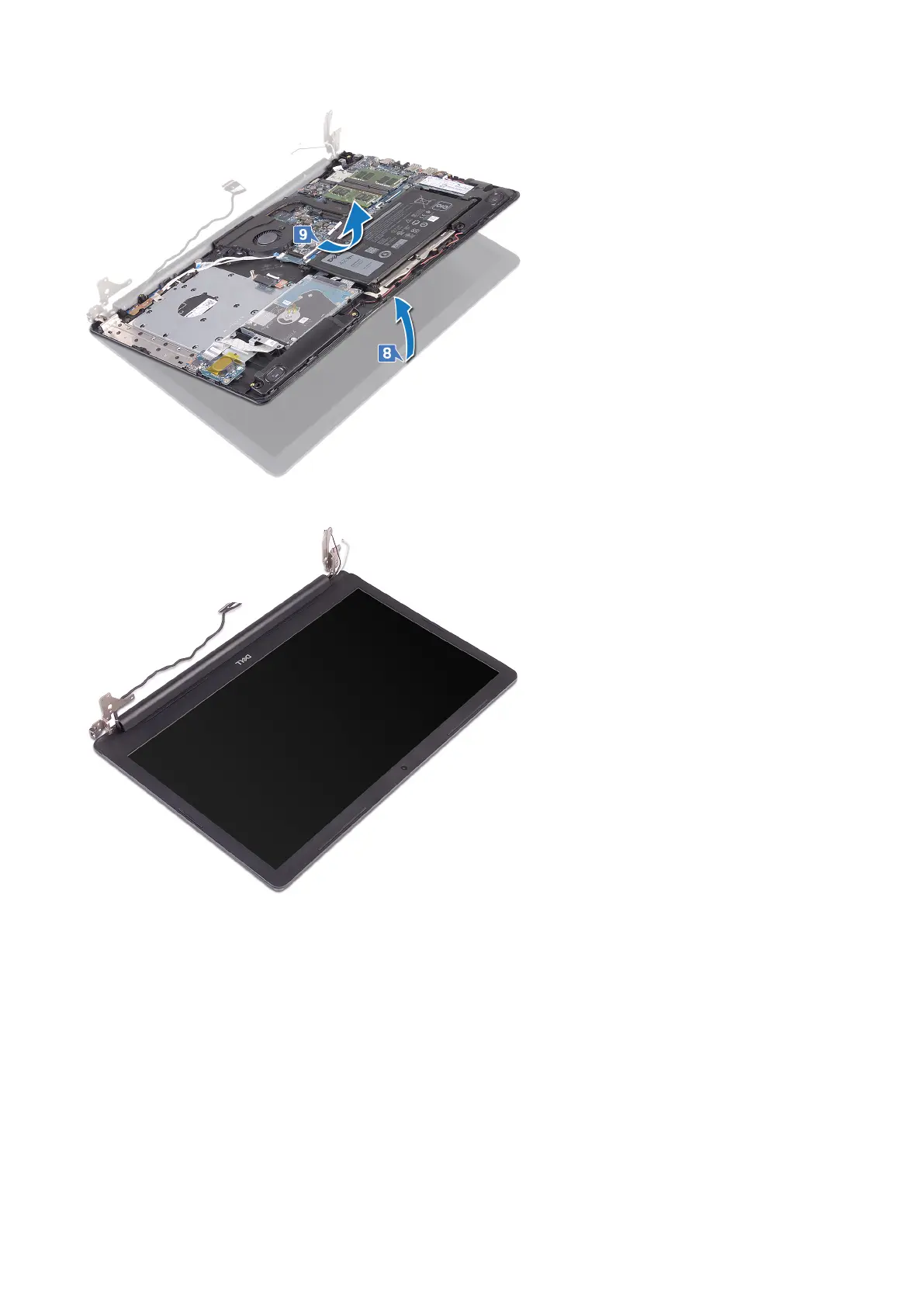
10. After performing all the above steps, you are left with display assembly.
Procedure
1. Remove the three screws (M2.5x5) that secure the right hinge to the system board and palm rest assembly.
2. Lift the right hinge.
3. Disconnect the power-adapter port cable from the system board.
4. Note the power-adapter port cable routing and remove it from the routing guides on the palm rest and keyboard assembly.
5. Remove the screw (M2x2) that secures the power-adapter port to the palm rest and keyboard assembly.
6. Lift the power-adapter port, along with its cable, off the palm rest and keyboard assembly.
Removing the power-adapter port
59



 To Next Page