28 Installing Enclosure Components
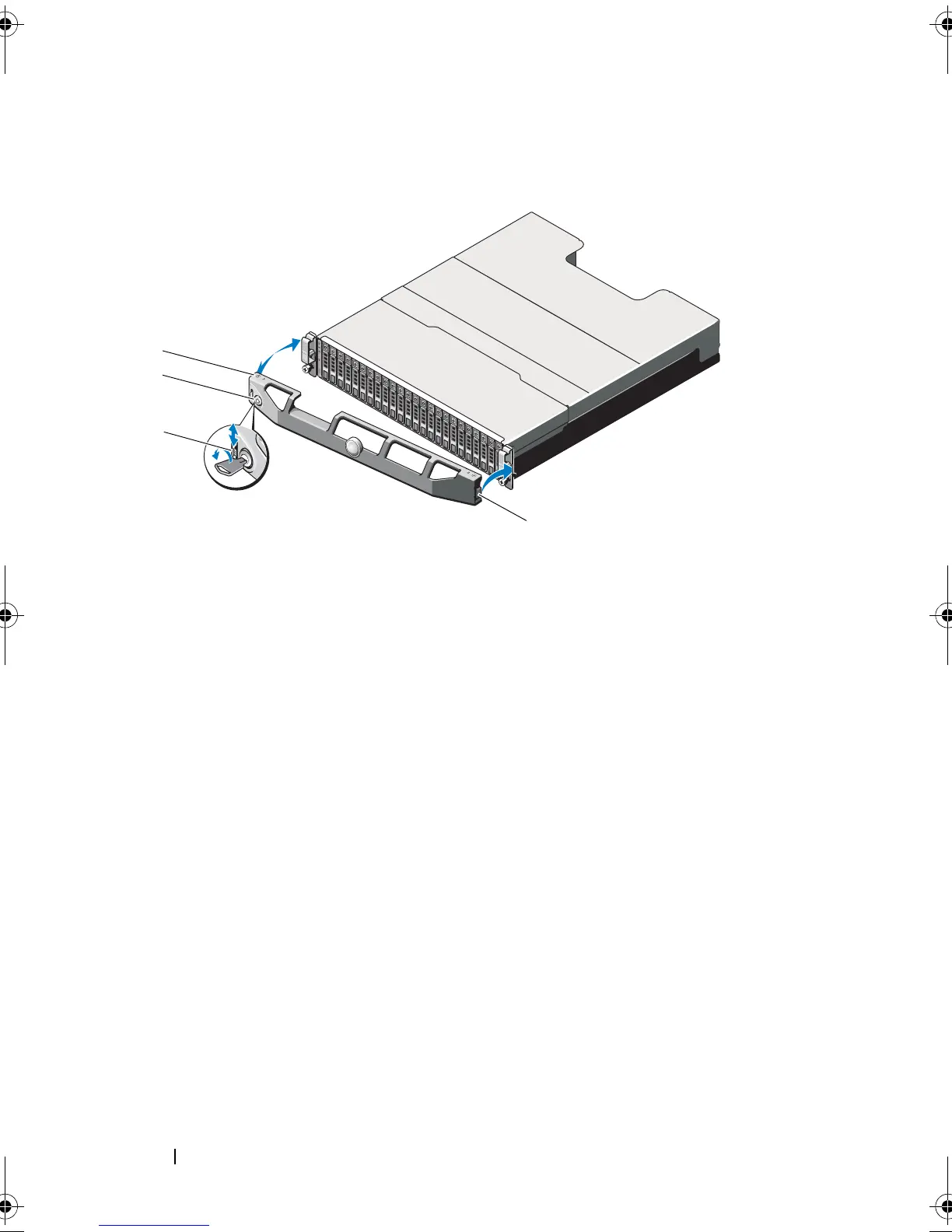
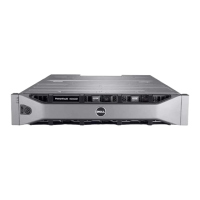
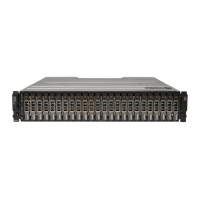
Figure 3-1. Removing and Installing the Front Bezel
Installing the Front Bezel
1
Hook the right end of the bezel onto the chassis.
2
Fit the free end of the bezel onto the system.
3
Secure the bezel with the keylock. See Figure 3-1.
1 bezel 2 keylock
3 release latch 4 hinge tab
book.book Page 28 Monday, December 7, 2009 4:51 PM



 To Next Page