18
About Your Computer
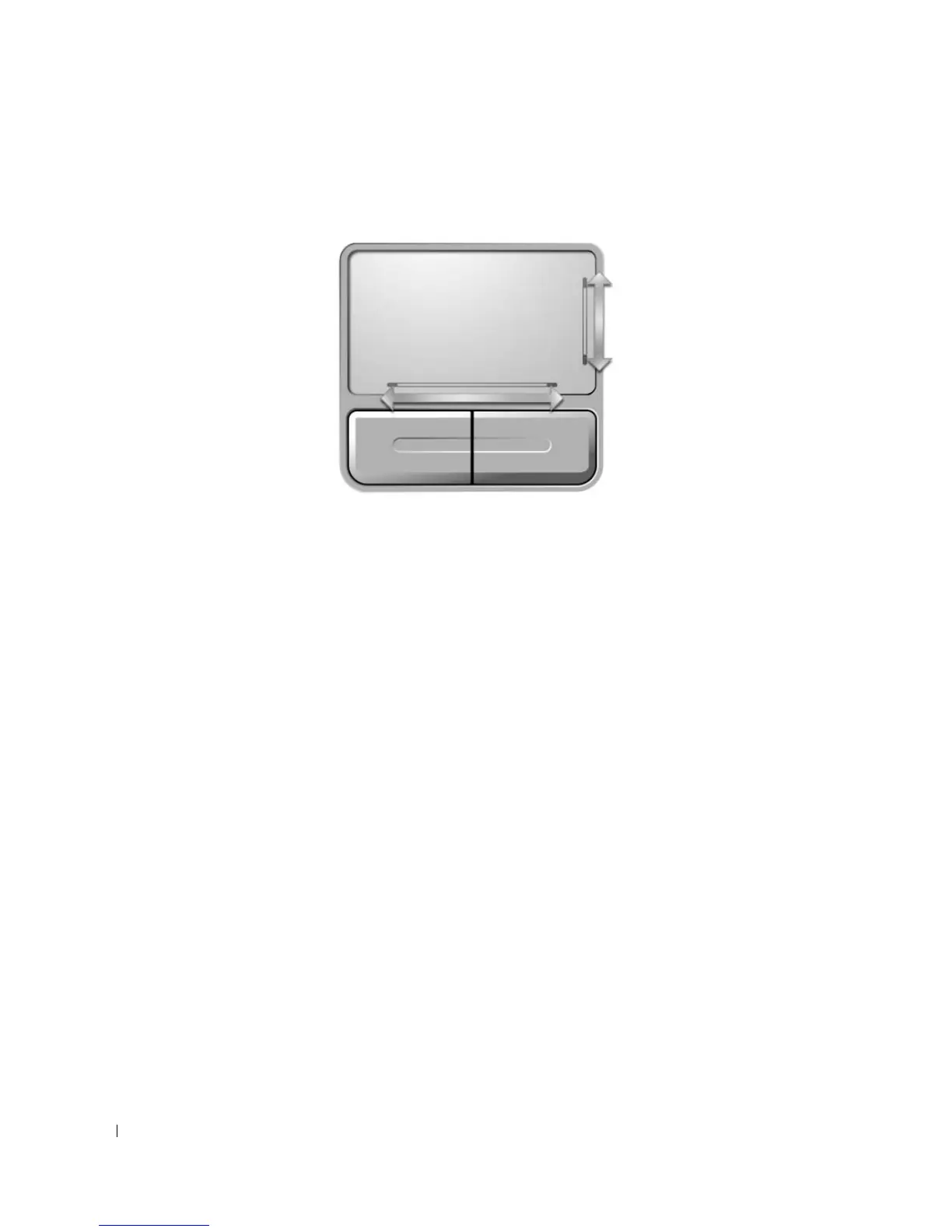
TOUCH
PAD
— Provides the functionality of a mouse. Silk screening on the touch pad indicates scrolling
capabilities.
SPEAKERS
— To adjust the volume of the integrated speakers, press the media control buttons or speaker-volume
keyboard shortcuts. For more information, see "Speaker Functions" on page 37.
TOUCH
PAD
BUTTONS
— Touch pad buttons provide the functionality of a mouse.
KEYBOARD
— The keyboard includes a numeric keypad as well as the Microsoft Windows logo key. For information
on supported keyboard shortcuts, see "Key Combinations" on page 36.
More Information : www.pcsearch.ir












 To Next Page