About Your Computer
19
KEYBOARD
AND
WIRELESS
STATUS
LIGHTS
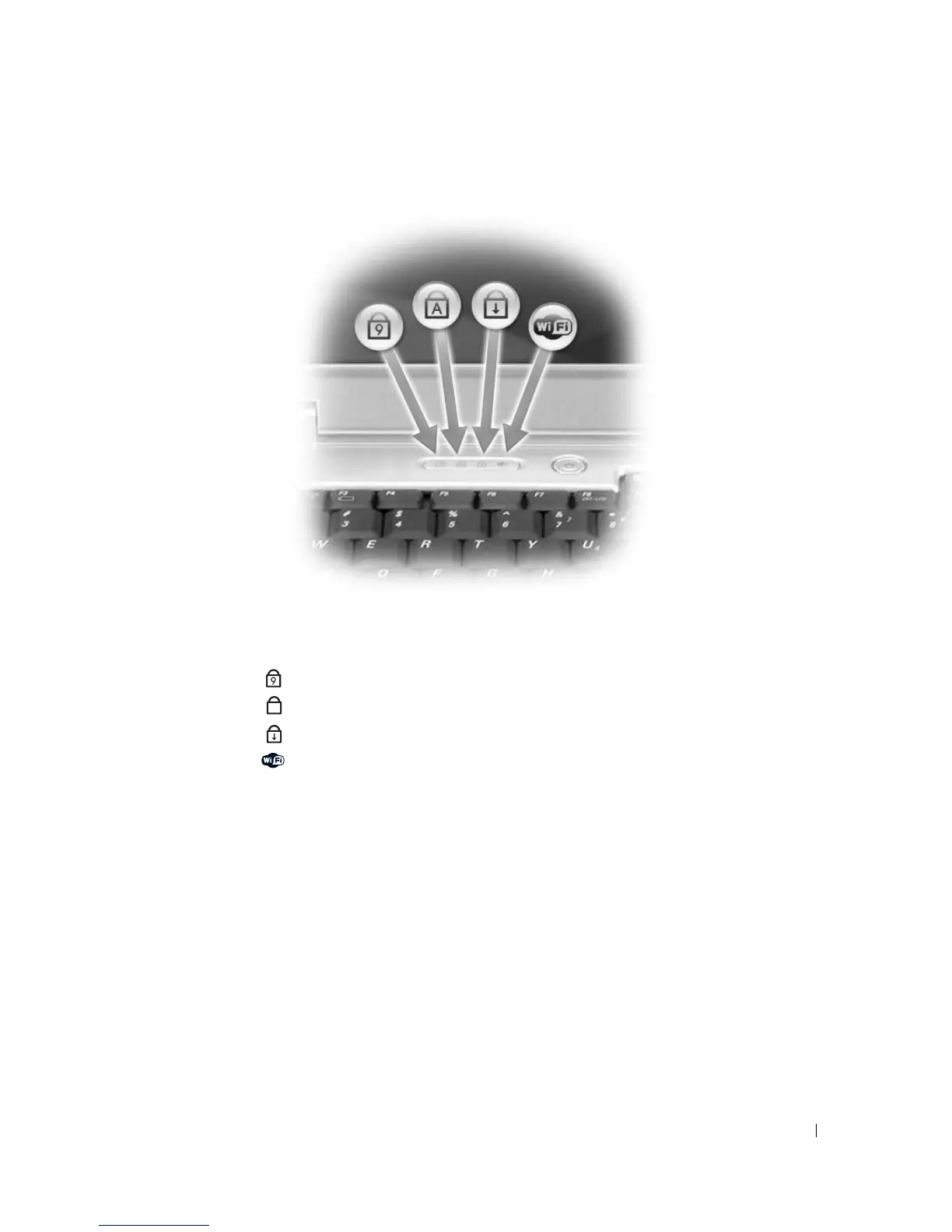
The green lights located above the keyboard indicate the following:
DISPLAY
LATCHES
— Keep the display closed.
Turns on when the numeric keypad is enabled.
Turns on when the uppercase letter function is enabled.
Turns on when the scroll lock function is enabled.
Turns on when wireless networking is enabled. To enable
or disable wireless networking, press <Fn><F2>.
9
A
More Information : www.pcsearch.ir












 To Next Page