108 Adding and Replacing Parts
5
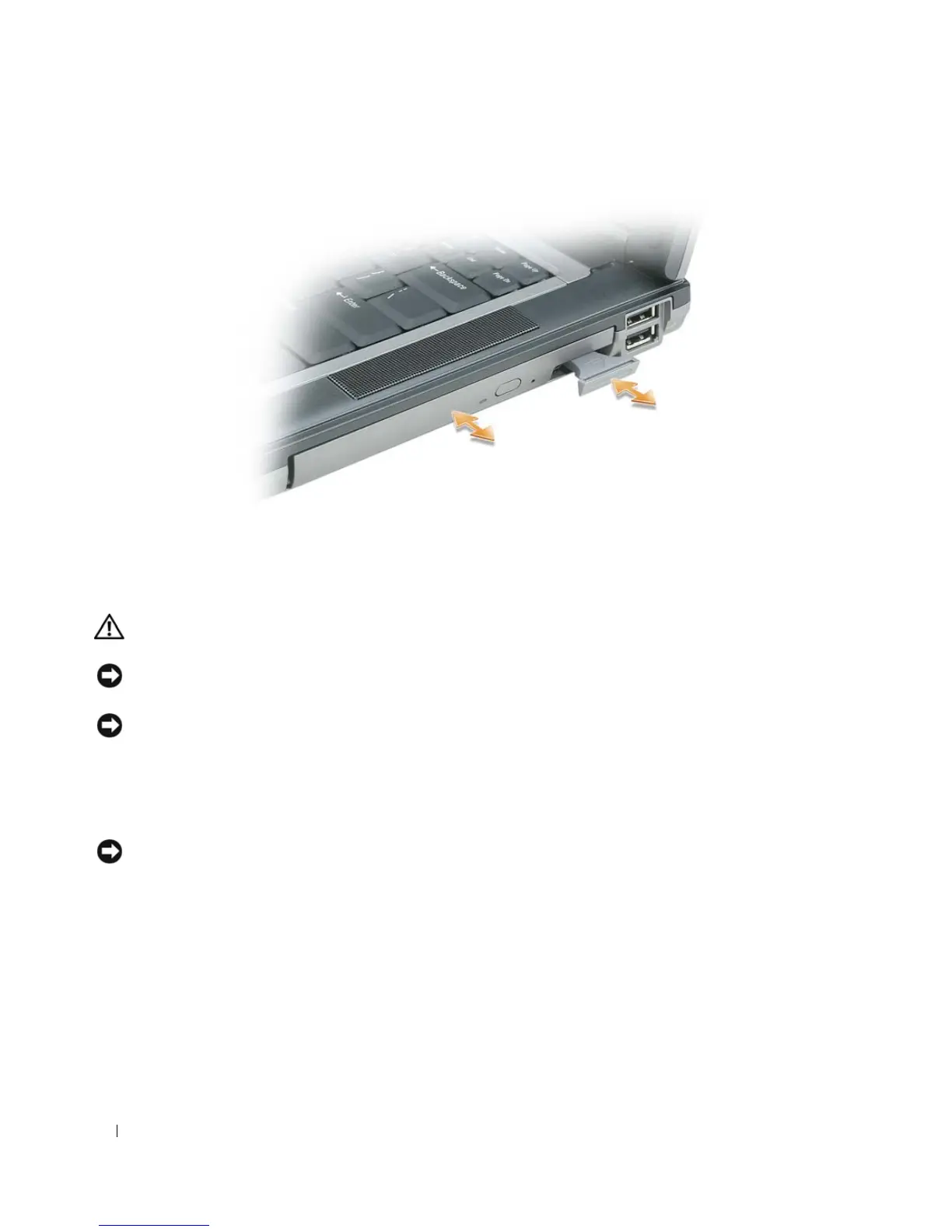
Push the new device into the bay until it clicks.
Hinge Cover
CAUTION: Before you begin any of the procedures in this section, follow the safety instructions in the
Product
Information Guide
.
NOTICE: To avoid electrostatic discharge, ground yourself by using a wrist grounding strap or by periodically
touching an unpainted metal surface (such as a connector on the back of the computer).
NOTICE: The hinge cover is fragile and can be damaged if extreme force is used. Be careful when removing the
hinge cover.
1
Follow the procedures in "Before You Begin" on page 103.
2
Turn the computer top-side up, and then open the display all the way (180 degrees) so that it rests on
your work surface.
NOTICE: To avoid damaging the hinge cover, do not lift the cover on both sides simultaneously.
3
Insert a scribe in the indent to carefully pry up the hinge cover on the right side.















 To Next Page