Adding and Replacing Parts 121
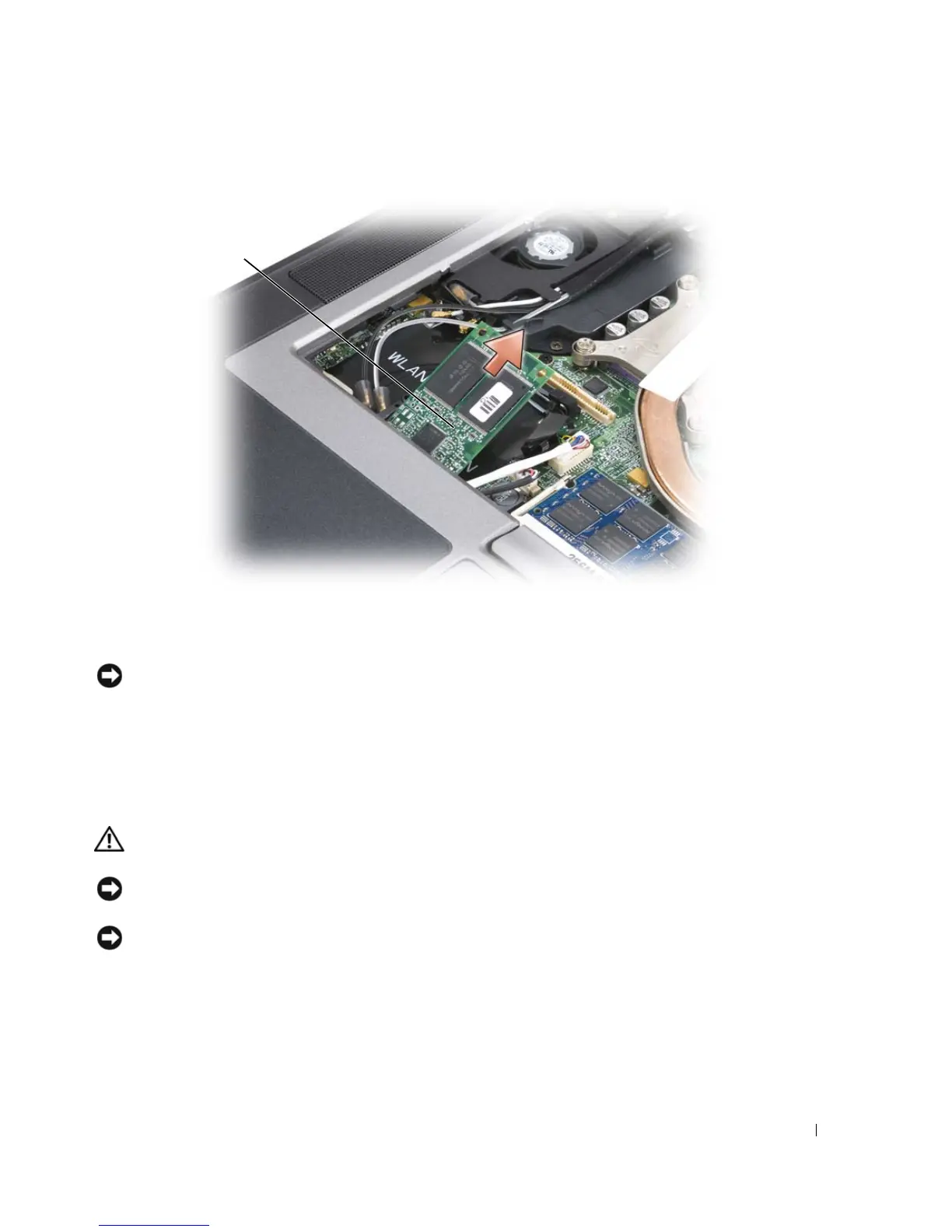
NOTICE: When installing this card, ensure that the two antenna cables are not under the card. The antenna
cables are designed to lie across the top of the FCM card and into the protective sleeve. Installing the card on top
of these antenna cables may cause damage to your computer. Also, do not install the FCM card in the WLAN card
connector. The FCM card is designed to work in the WWAN card connector. Installing the card in the wrong
connector may cause damage to your computer.
Internal Card With Bluetooth
®
Wireless Technology
CAUTION: Before performing the following procedures, read the safety instructions in your
Product Information
Guide
.
NOTICE: To avoid electrostatic discharge, ground yourself by using a wrist grounding strap or by periodically
touching a connector on the back panel of the computer.
NOTICE: To avoid damaging the system board, you must remove the main battery before you begin working inside
the computer.
If you ordered an internal card with Bluetooth wireless technology with your computer, it is already
installed.
1
Follow the procedures in "Before You Begin" on page 103.
2
Remove the hinge cover (see "Hinge Cover" on page 108).
1 FCM card
1















 To Next Page