About Your Computer 19
WIRELESS SWITCH POSITIONS
WI -FI CATCHER
™
LIGHT — The light operates as follows:
– Flashing green: Searching for networks
– Solid green: Strong network found
– Solid yellow:
Weak network found
– Flashing yellow: Error
– Off: No signal found
PC C
ARD SLOT — Supports one PC Card, such as a modem or network adapter. The computer ships with a blank
installed in the slot to prevent dust particles from entering the computer. For more information, see "Using Cards"
on page 59.
SMART CARD SLOT — Supports one smart card (see "Smart Cards" on page 63).
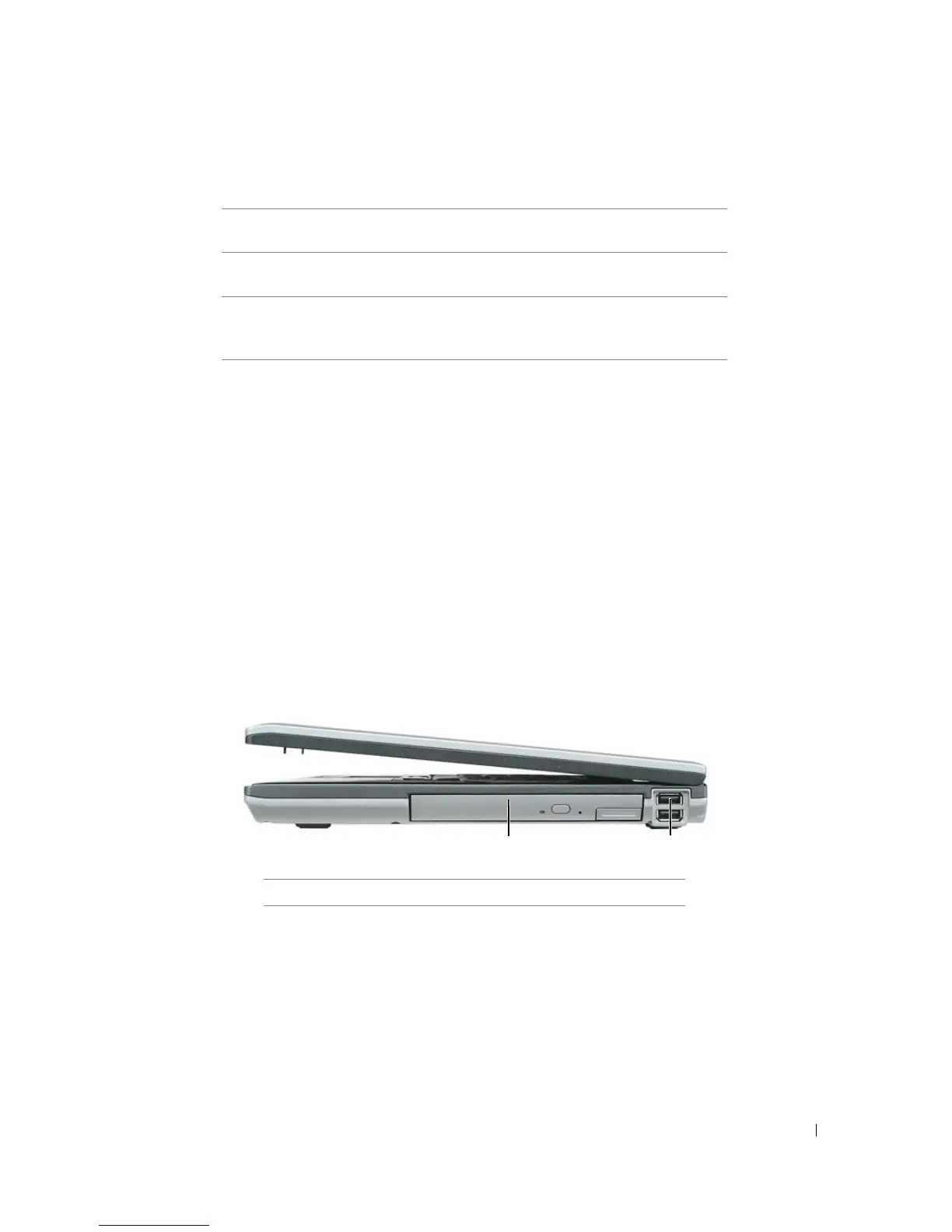
Right Side View
MEDIA BAY — Supports a floppy drive, optical drives, a second battery, or a second hard drive (see "Using
Multimedia" on page 41).
"off" Disables wireless devices.
"on" Enables wireless devices.
"momentary" Scans for WiFi networks. See "Dell™ Wi-Fi Catcher™
Network Locator" on page 58 for more information.
1
media bay
2
USB connectors
(2)
1
2















 To Next Page