Using Multimedia 43
Microsoft Windows XP
1
Click
Start
→
Control Panel
→
Appearance and Themes
.
2
Under
Pick a task...
, click
Change the screen resolution
.
3
Under
Screen resolution
, click and drag the bar to reduce the resolution setting.
4
In the drop-down menu under
Color quality
, click
Medium (16 bit)
and click
OK
.
Microsoft Windows Vista™ Operating System
1
Click the Windows Vista Start button
,
click
Control Panel
, and then click
Appearance and
Personalization
.
2
Under
Personalization
, click
Adjust Screen Resolution
.
The
Display Properties
window appears.
3
Under
Resolution:
click and drag the bar reduce the resolution setting.
4
In the drop-down menu under
Colors:
, click
Medium (16 bit)
.
5
Click
OK
.
Connecting Your Computer to a TV
NOTE: Video cables for connecting your computer to a TV or other device may not be included with your computer.
TV adapter cables are available for purchase from Dell.
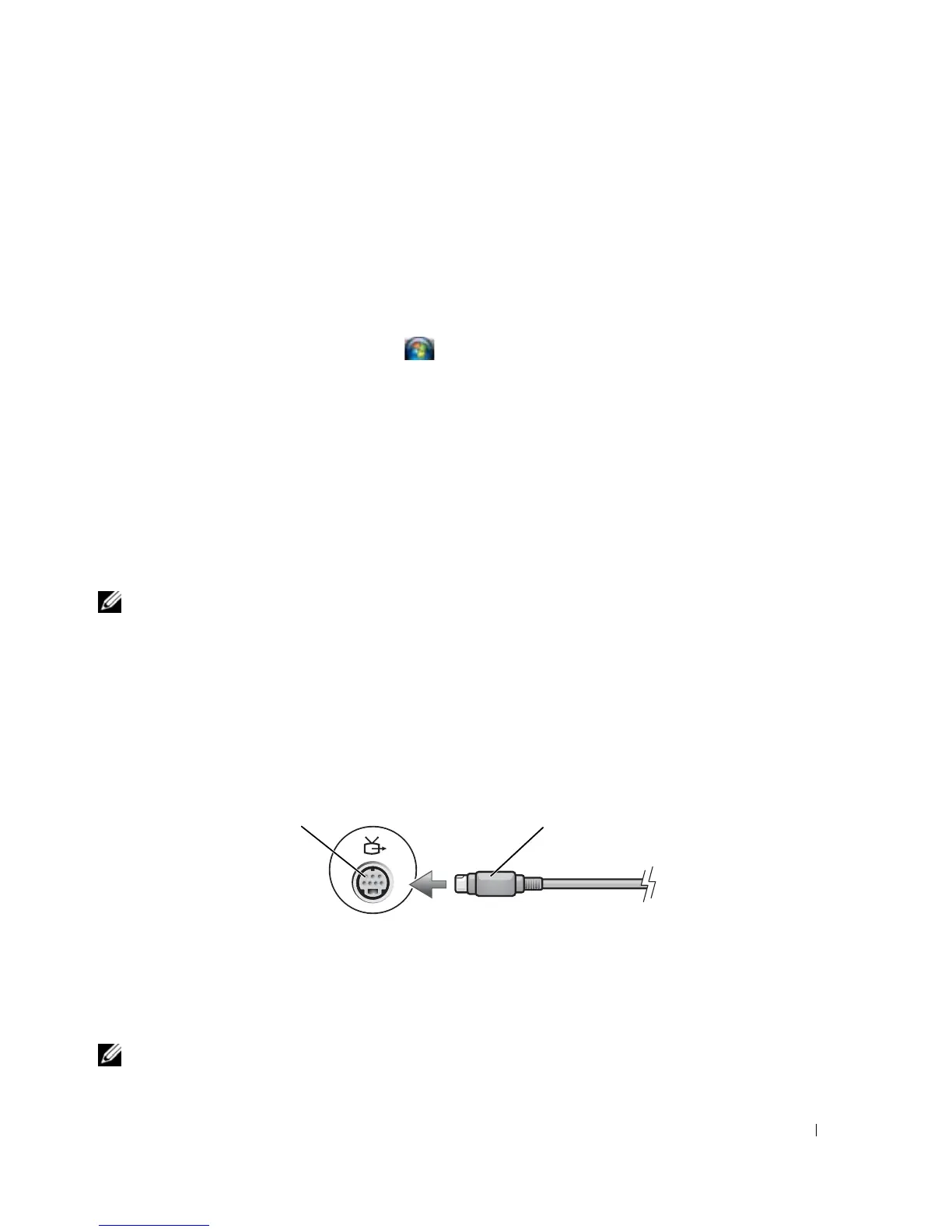
Your computer has an S-video TV-out connector that, together with a standard S-video cable, a
composite video adapter cable, or a component video adapter cable (available from Dell), enable you to
connect the computer to a TV.
Your TV has either an S-video input connector, a composite video-input connector, or a component
video-input connector. Depending on what type of connector is available on your TV, you can use a
commercially available S-video cable, composite video cable, or component video cable to connect your
computer to your TV.
Enabling the Display Settings for a TV
NOTE: To ensure that the display options appear correctly, connect the TV to the computer before you enable the
display settings.
1 S-video TV-out connector 2 S-video connector
1
2















 To Next Page