120 Adding and Replacing Parts
NOTE: If you ordered an FCM card with your computer, the card is already installed.
1
Follow the procedures in "Before You Begin" on page 103.
2
Remove the hinge cover (see "Hinge Cover" on page 108).
3
Remove the keyboard (see "Keyboard" on page 109).
4
Ground yourself by touching one of the metal connectors on the back of the computer.
NOTE: If you leave the area, ground yourself again when you return to the computer.
5
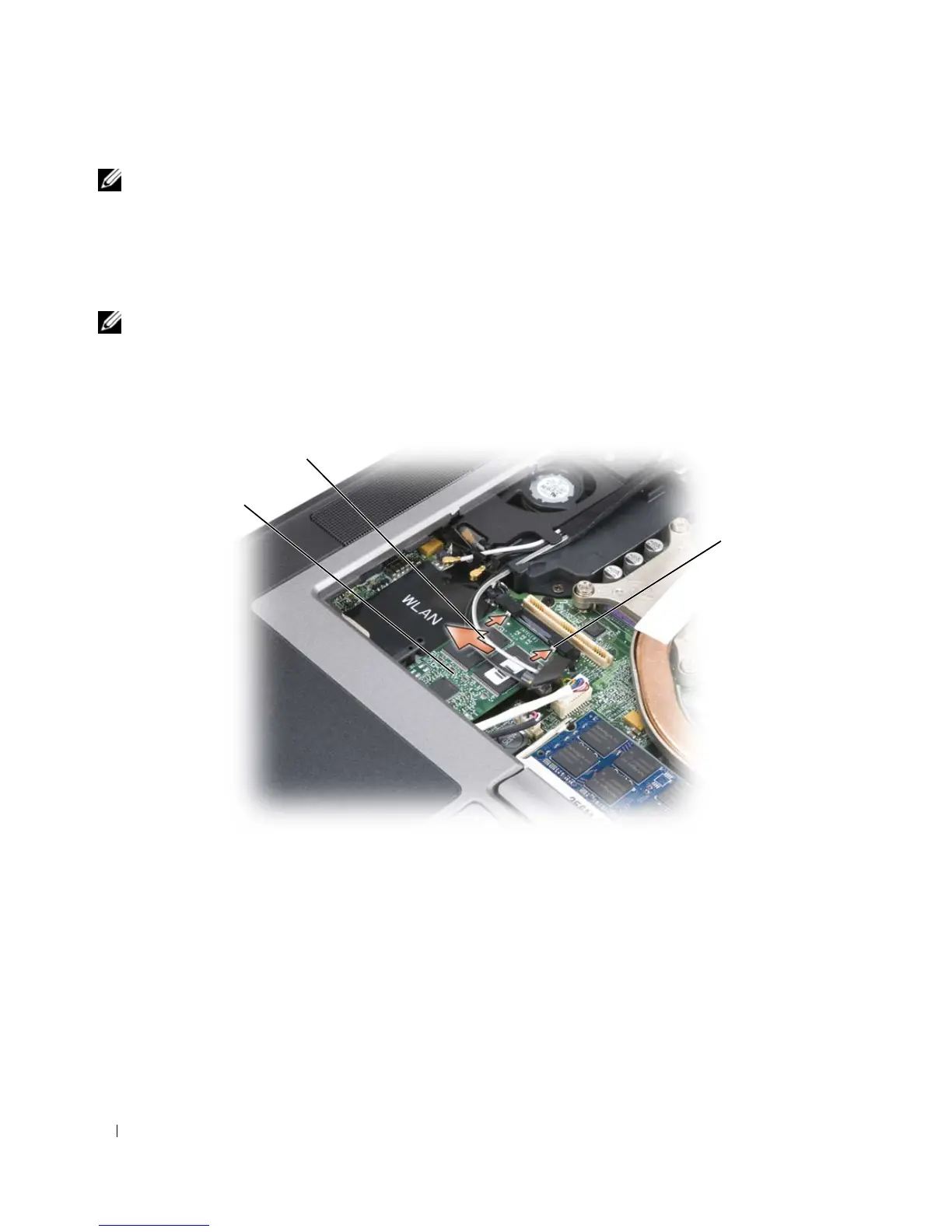
Slide the antenna cables out of the protective sleeve and away from the top of the FCM card.
6
Release the card by pushing the metal securing brackets away from the card until the card pops up
slightly.
7
Lift the card out of its connector.
1 FCM card 2 antennae cables (2) 3 metal securing brackets (2)
1
3
2















 To Next Page