Installing the Secondary Memory
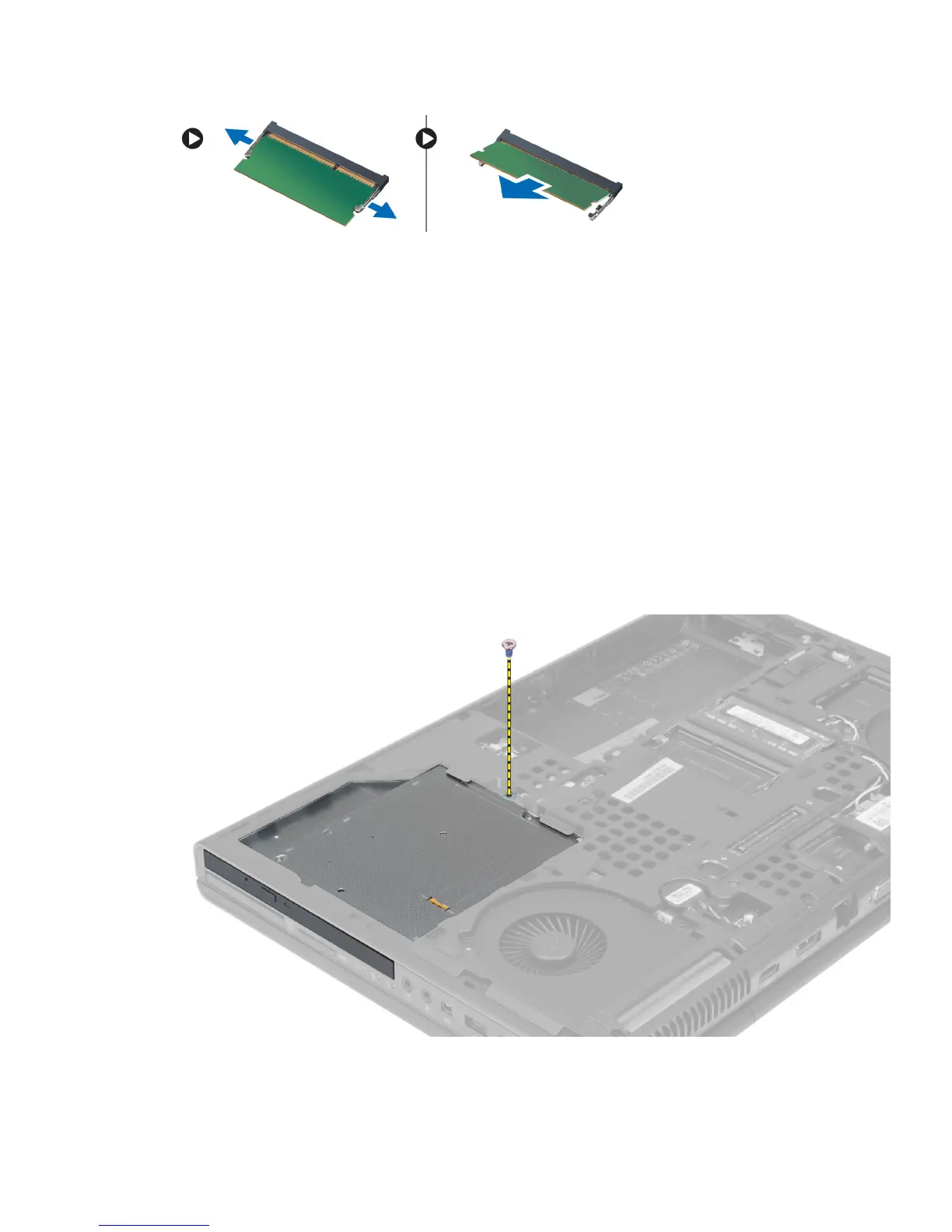
1. Insert the secondary memory into the memory socket.
2. Press down the memory to secure the memory module to the system board.
3. Install the:
a) keyboard
b) keyboard trim
c) battery
4. Follow the procedures in
After Working Inside Your Computer
.
Removing the Optical Drive
1. Follow the procedures in
Before Working Inside Your Computer
.
2. Remove the:
a) battery
b) base cover
3. Remove the screw that secures the optical drive to the computer.
4. Pry and slide out the optical drive to remove it from the computer.
22















 To Next Page