d) keyboard
e) optical drive
f) hard drive
g) palm rest
h) heat-sink fan
i) heatsink
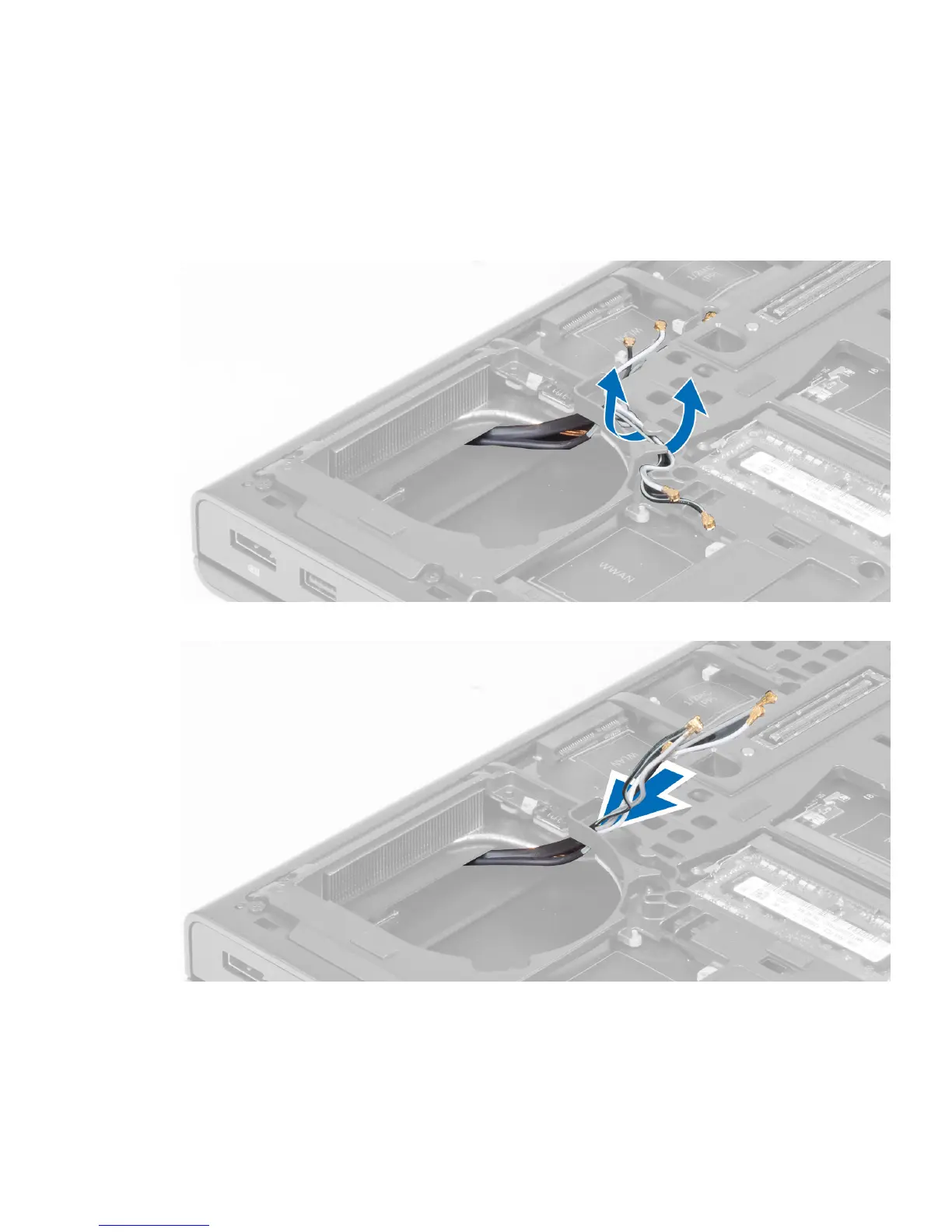
3. Disconnect and un-route any antenna cables connected to the installed wireless cards.
4. Remove the antenna cables from the routing channels.
5. Perform the following steps as shown in the illustration:
a) Loosen the captive screws that secure the video-card heat sink to the computer. [1, 2, 3, 4]
b) Lift up and remove the video-card heat sink from the computer.
36















 To Next Page