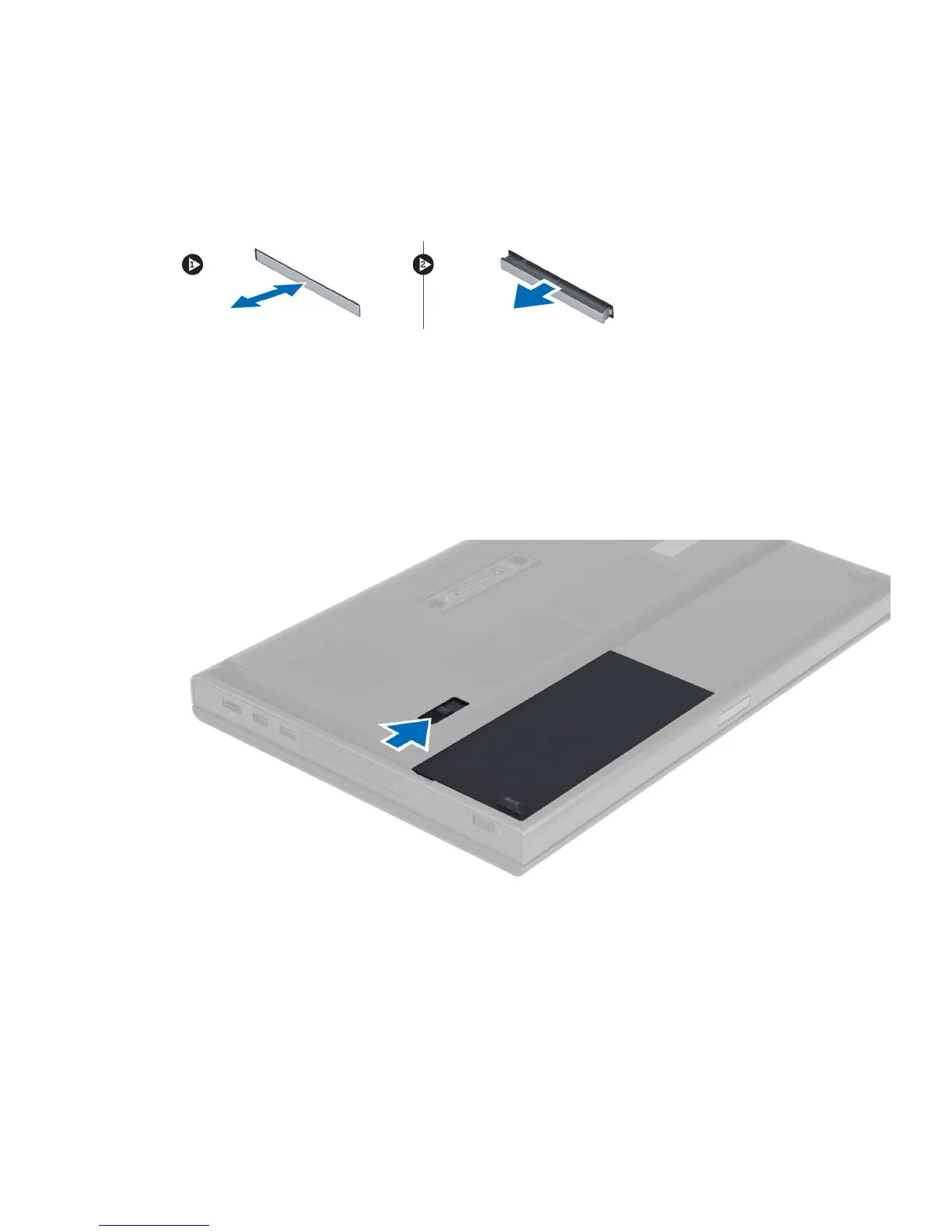
Removing the ExpressCard
1. Follow the procedures in
Before Working On Your Computer
.
2. Push in on the ExpressCard.
3. Slide the ExpressCard out of the computer.
Installing the ExpressCard
1. Insert the ExpressCard into the slot and press till it clicks into place. .
2. Follow the procedures in
After Working Inside Your Computer
.
Removing the Battery
1. Follow the procedures in
Before Working Inside Your Computer
.
2. Slide the release latch to unlock the battery.
3. Lift and remove the battery from the computer.
13















 To Next Page