d) keyboard
e) keyboard trim
f) base cover
g) battery
h) SD card
5. Follow the procedures in
After Working Inside Your Computer
.
Removing the Display Assembly
1. Follow the procedures in
Before Working Inside Your Computer
.
2. Remove the:
a) battery
b) base cover
c) keyboard trim
d) keyboard
e) optical drive
f) primary and secondary hard drive
g) palmrest
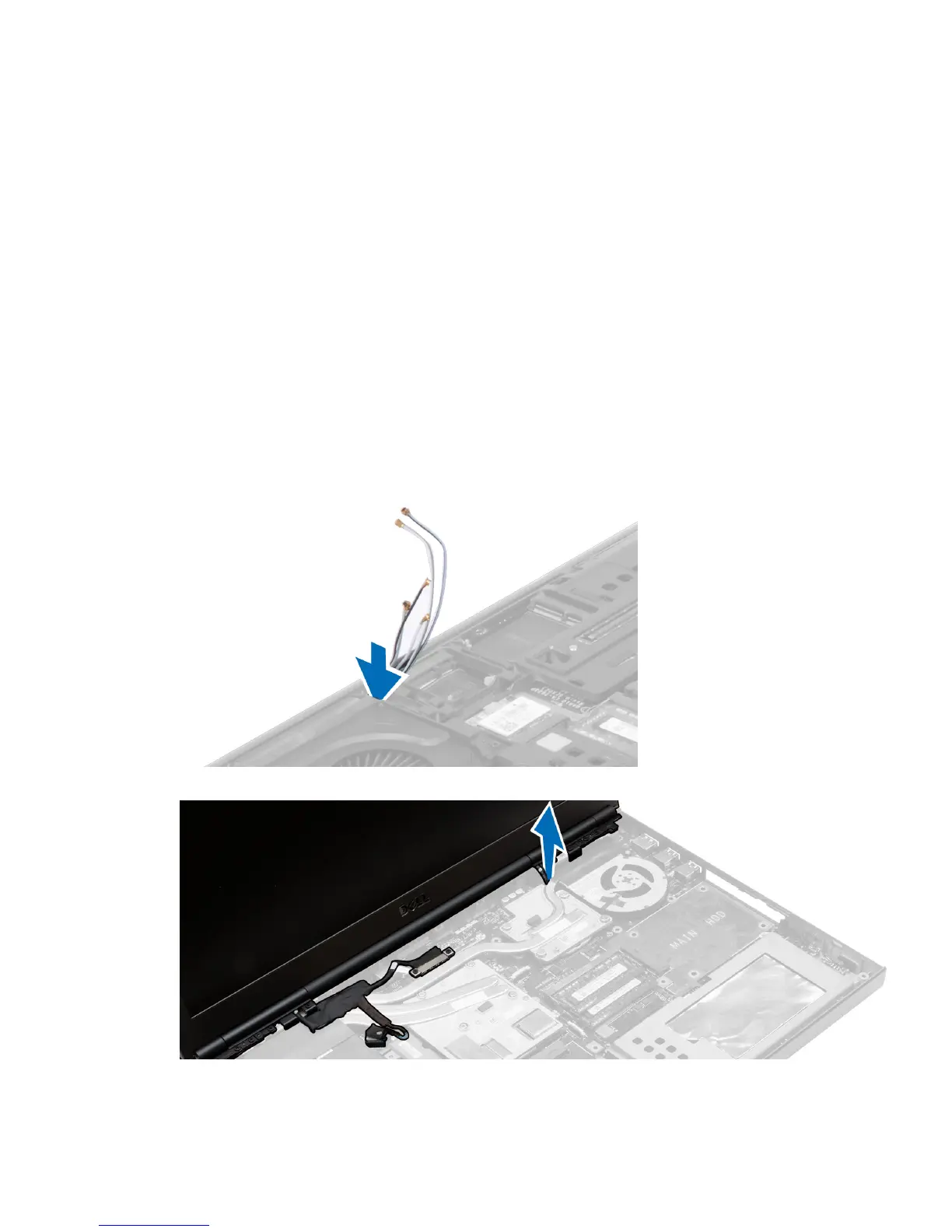
3. Disconnect the antenna cables from the wireless cards, and push them down the routing hole.
4. Flip the computer and pull up the antenna cables through the routing hole.
49















 To Next Page