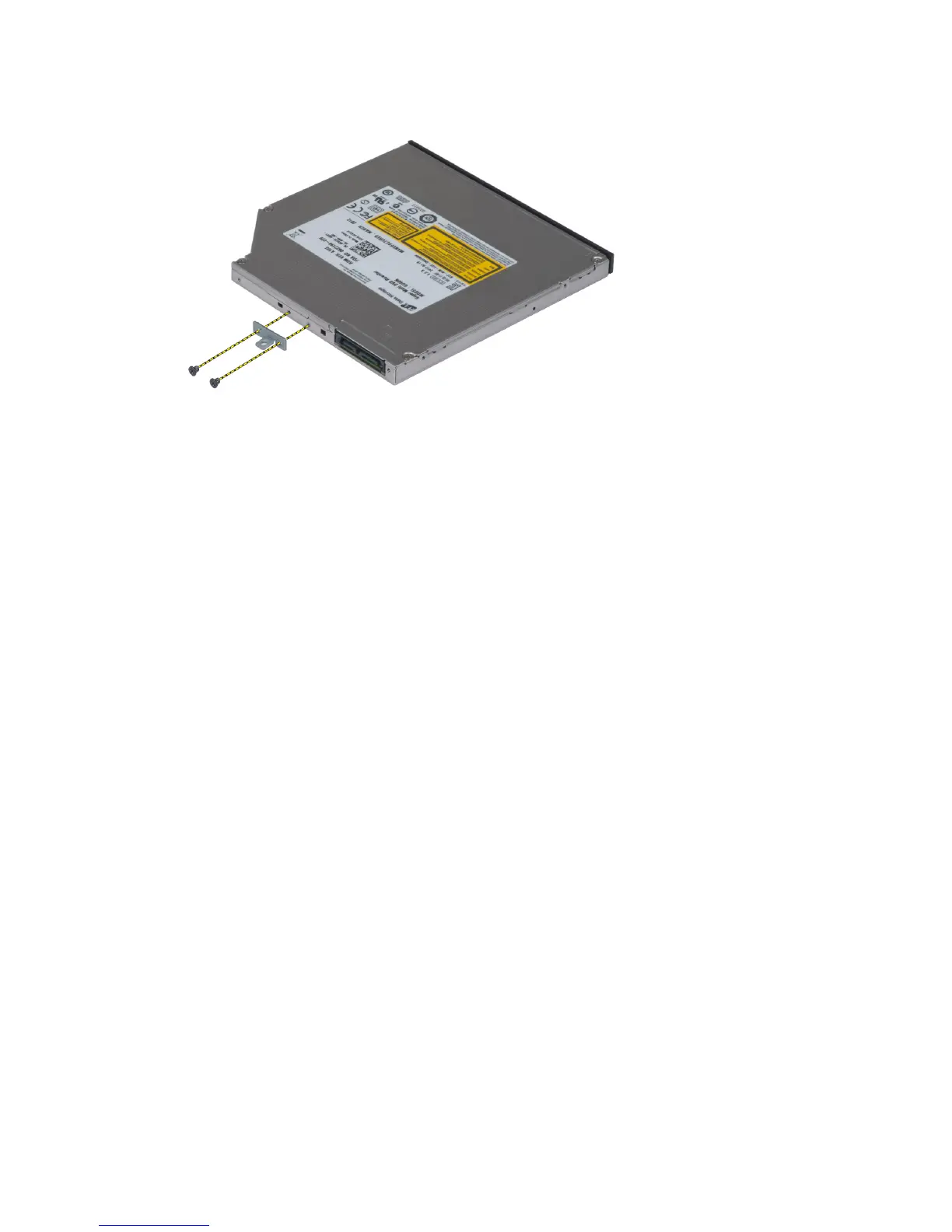
5. Remove the screws that secure the drive-latch bracket to the optical drive and remove the bracket.
Installing the Optical Drive
1. Tighten the screws to secure the drive-latch bracket to the optical drive.
2. Slide the optical drive into its slot and tighten the screw to secure the optical drive to the computer.
3. Install the:
a) battery
b) base cover
4. Follow the procedures in
After Working Inside Your Computer
.
Removing the Primary Hard Drive
1. Follow the procedures in
Before Working Inside Your Computer
.
2. Remove the:
a) battery
b) base cover
3. Remove the screws that secure the primary hard drive to the computer. Slide the primary hard -drive latch to the
unlock position and pull out the hard drive from the computer.
19















 To Next Page