34 | Setting up the monitor
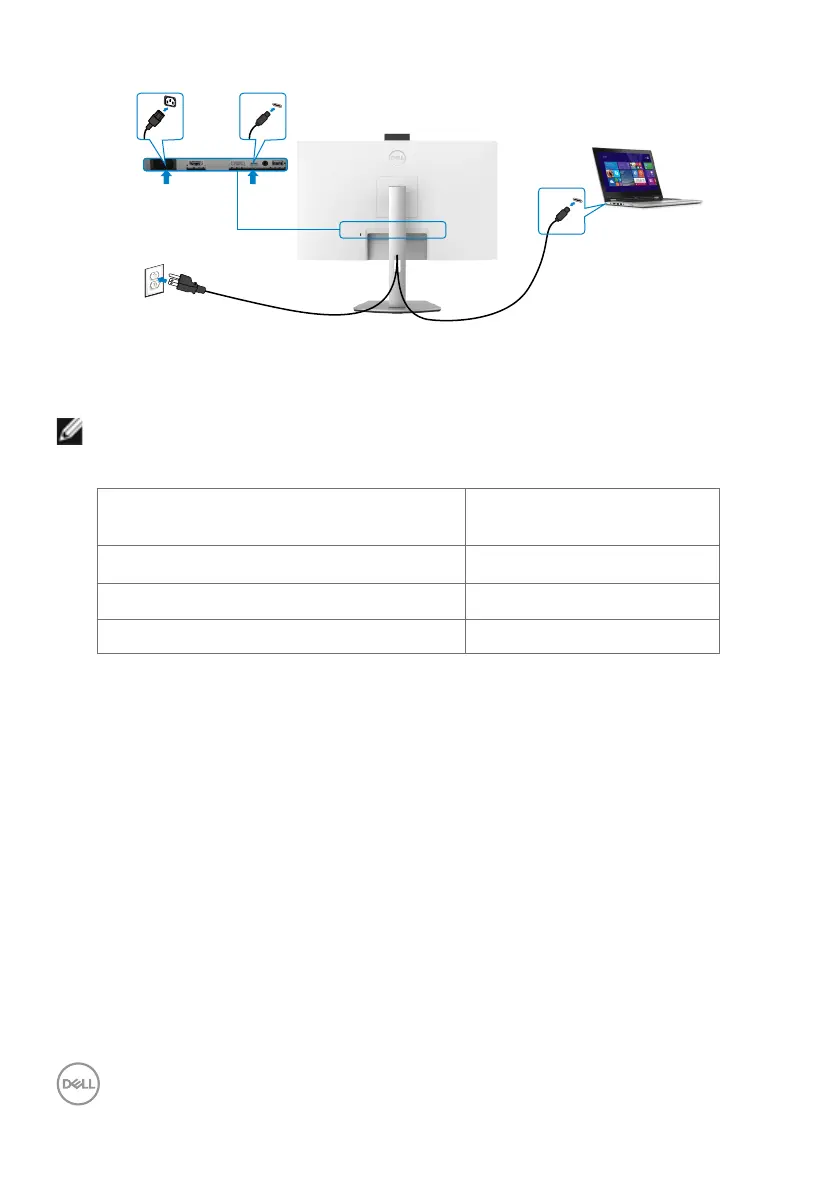
Connecting the USB-C cable
USB-C
USB-C
The USB-C port on your monitor:
• Can be used as USB-C or DisplayPort 1.2, alternatively.
• Supports USB Power Delivery (PD), with profiles up to 65 W.
NOTE: Regardless of the power requirement/actual power consumption
of your laptop, or the remaining power runtime in your battery, the Dell
monitor is designed to supply power delivery of up to 65 W to your laptop.
Rated power (on laptops that have
USB-C with Power Delivery)
Maximum charging power
45 W 45 W
65 W 65 W
90 W Not supported



 To Next Page