Operating the monitor | 67
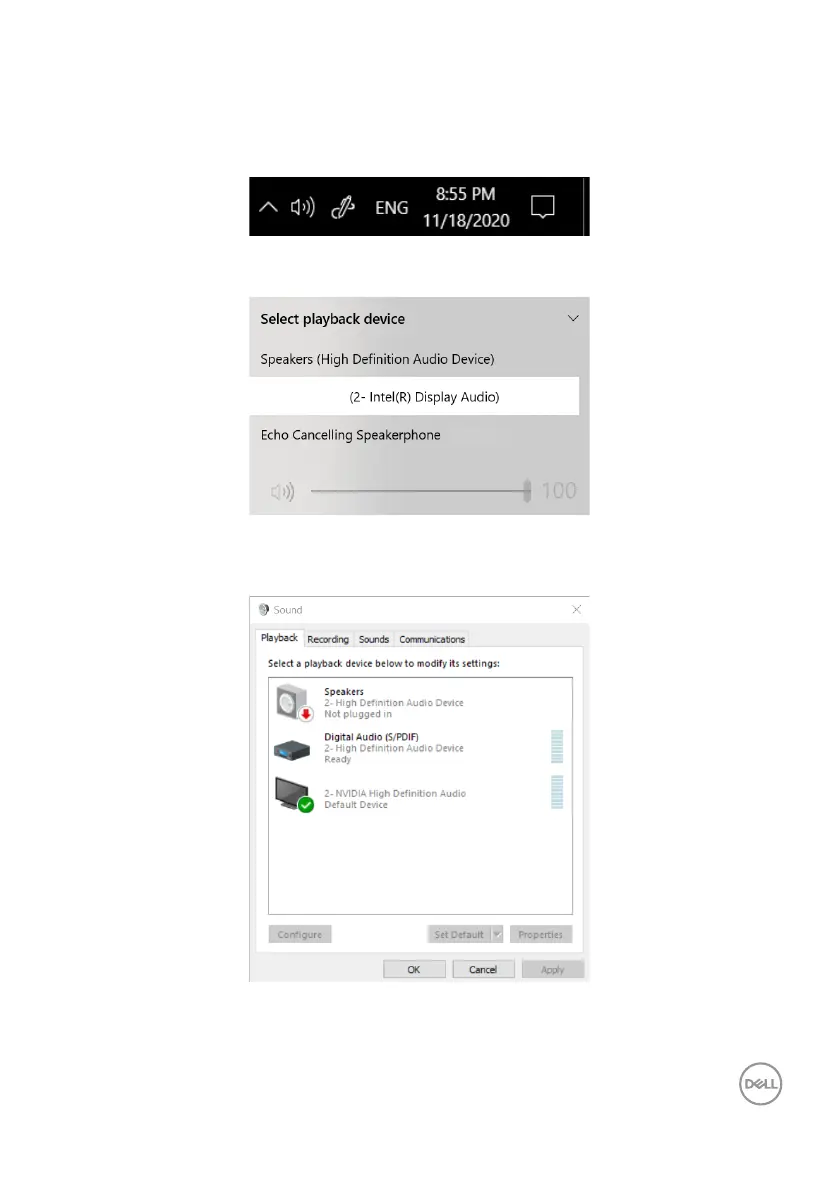
Setting up the monitor speaker as default setting
Follow these steps when your computer is connected to multiple speakers and if you
want to set up the monitor speaker as the default setting:
1. Click the Volume icon in the Windows task bar notication area.
2. Click Playback devices to open the Sound dialog box. Click the playback
device.
DELL S2422HZ
(S2422HZ)
3. If only the HDMI or DP cable is connected from your monitor to the computer,
only one speaker that is named as DELL S2422HZ or DELL S2722DZ is
displayed in the Sound dialog box.
DELL S2422HZ-0



 To Next Page