38 | Operating the monitor
Operating the monitor
Power on the monitor
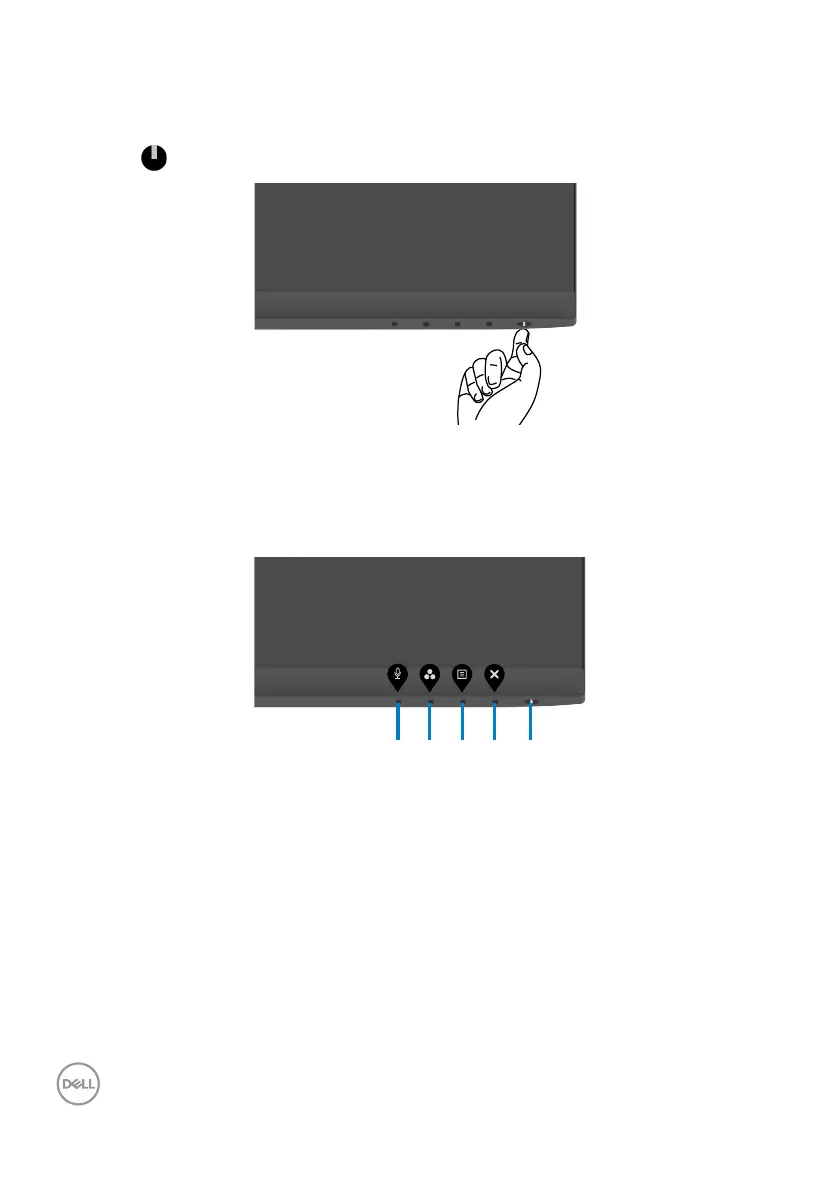
Press the button to turn on the monitor.
Using the front-panel controls
Use the control buttons at the bottom edge of the monitor to adjust the specifications
of the image being displayed. When using the control buttons, an On-Screen Display
(OSD) menu appears on the screen with numeric values.
3 4 51 2



 To Next Page