50 | Operating the monitor
Icon Menu and
submenus
Description
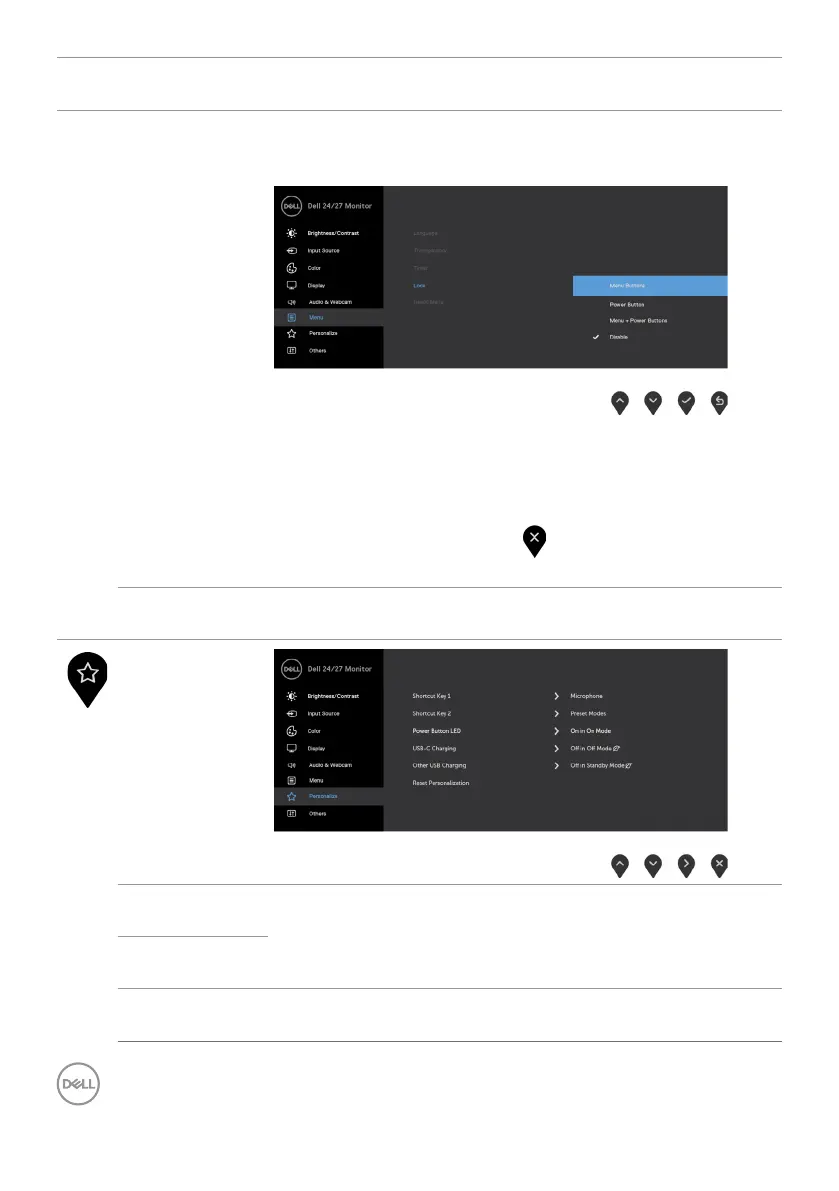
Lock With the control buttons on the monitor locked, you can
prevent people from accessing the controls. It also prevents
accidental activation in multiple monitors side-by-side setup.
•Menu Buttons: Through OSD to lock the Menu buttons.
•Power Button: Through OSD to lock the Power button.
•Menu + Power Buttons: Through OSD to lock all Menu
and Power buttons.
•Disable: Press and hold the
button next to the power
button for four seconds to unlock the buttons.
Reset Menu Resets all settings under the Reset menu to the factory
defaults.
Personalize
Shortcut
key 1
Select from Preset Modes, Brightness/Contrast, Input
Source, Aspect Ratio, Volume, Speaker, Microphone,
Webcam set as shortcut key.
Shortcut key
2
Power Button
LED
Allows you to set the state of the power light to save
energy.



 To Next Page