60 | Operating the monitor
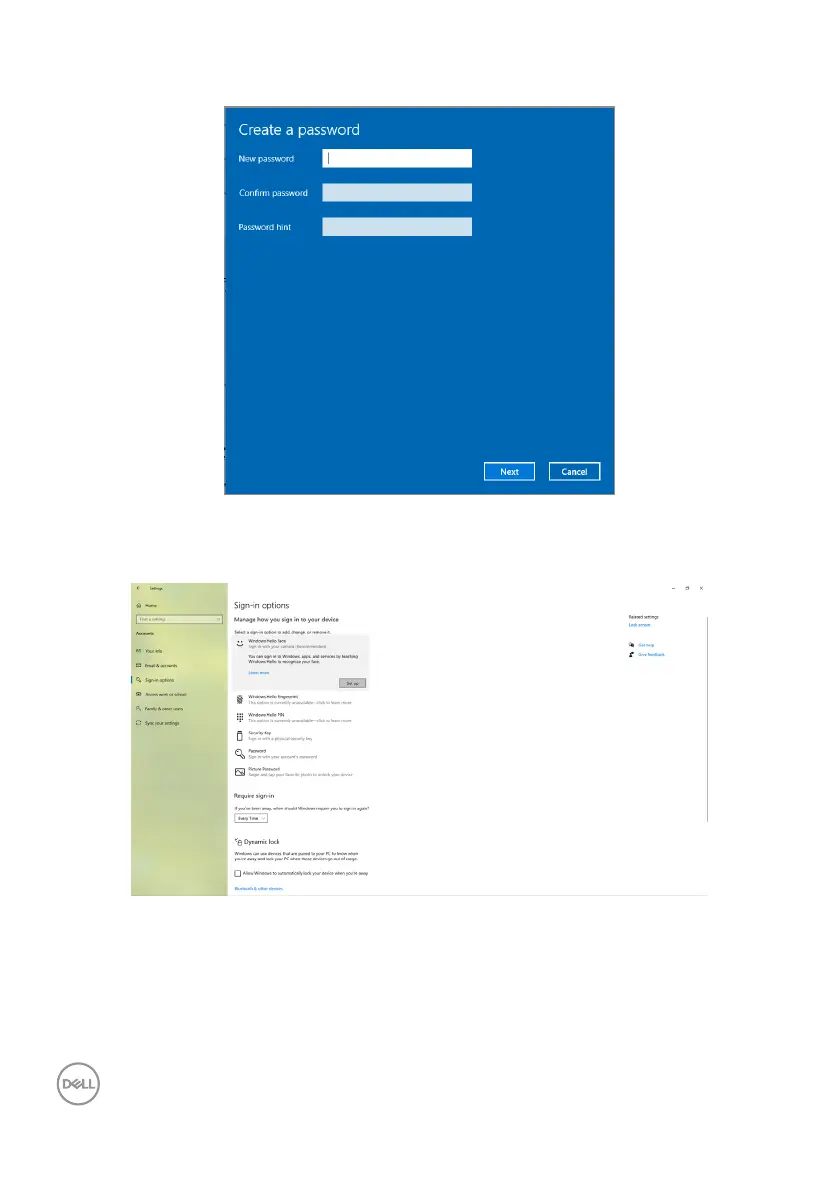
4. Click Add under PIN, enter to Set up a PIN. Enter New PIN and Confirm PIN,
and then click Next.
After you complete setting the PIN, the options to set up Windows Hello will
unlock.
5. Click Set up under Windows Hello, enter to Windows Hello setup.



 To Next Page