Operating the monitor | 65
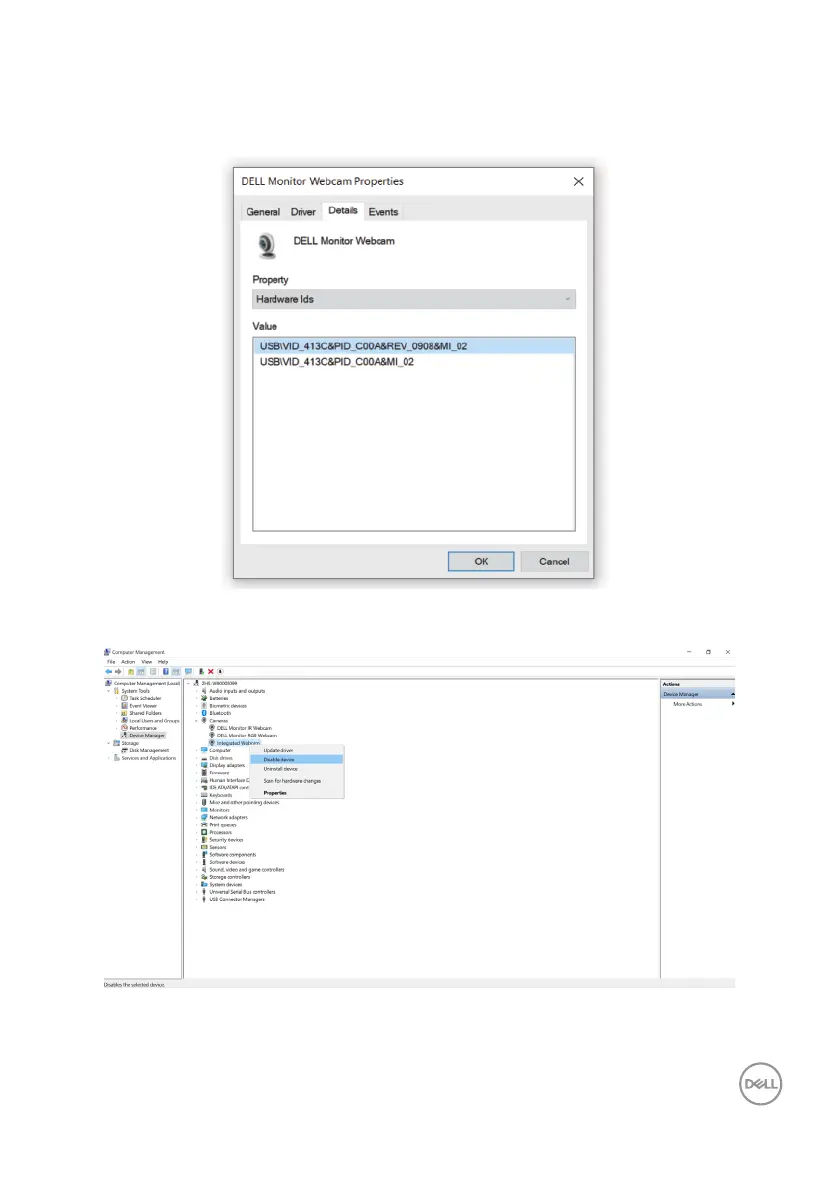
3. The Value section shows the detail hardware ids of this Dell Monitor IR Webcam.
The hardware ids of the computer built-in webcam and the monitor webcam
are different. The monitor webcam hardware ids are displayed as shown in the
following image.
4. Right-click your computer webcam that has different hardware ids, and then click
Disable device.



 To Next Page