Product Features | 13
Product Features
This chapter describes the product features and indicates their links.
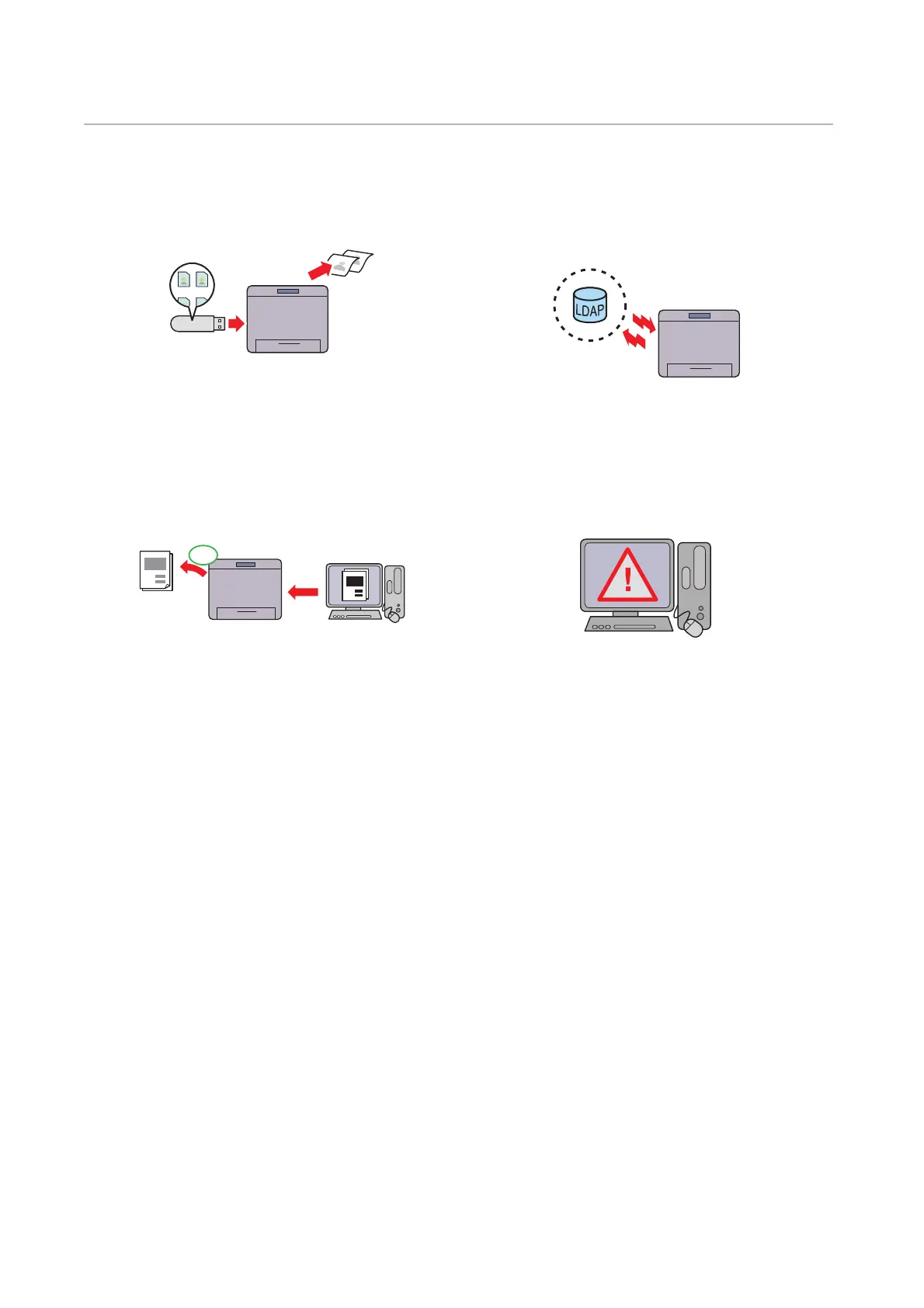
Print from USB
You can print files directly from a USB flash drive
without requiring you to start your computer.
See "Print From USB".
Remote Authentication Using the LDAP or
Kerberos Server
The user authentication using the LDAP or Kerberos
server is available to control the user’s login to the
printer. Only users who can access the specified
server are allowed to log in to the printer.
Eco Mode
Eco Mode is a setting that saves cost on toner and
paper. Skip Blank Pages, 2-Sided Print and toner
saving will always apply for print jobs when Eco
mode is enabled.
See "Toner/Power Optimization".
Security Enhancement
If a global IP address is assigned to the printer, no
one will be allowed to access the Dell Printer
Configuration Web Tool without authenticating
regardless of login settings. Furthermore, if the
administrator logs in to the Dell Printer
Configuration Web Tool with the default password
while a global IP address is assigned, a warning
message to change the password will be displayed.
See "Changing Password from the Dell Printer
Configuration Web Tool".














 To Next Page