26 | Connecting and Setting Up Your Printer
Turning On/Off the Printer
Turning On the Printer
• Do not use extension cords or power strips.
• The printer should not be connected to an Uninterruptible Power Supply (UPS) system.
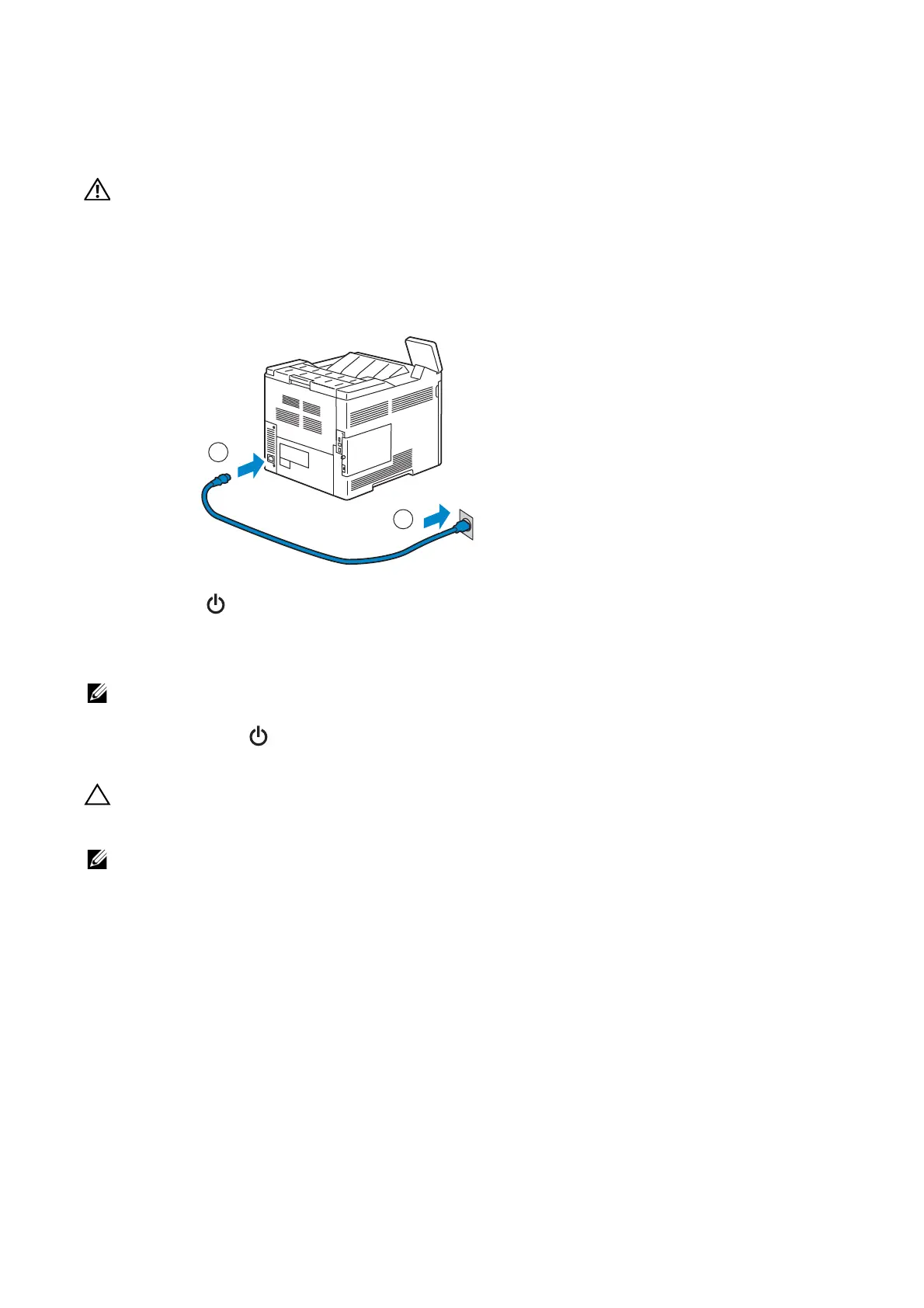
1 Connect the power cable to the power inlet on the rear of the printer, and then to a
power source.
2 Press the button on the control panel.
Turning Off the Printer
• The data in the memory is cleared when the printer is turned off.
Press and hold the button until the confirmation screen appears on the control panel,
and then tap Power Off.
• Pressing and holding the button for six or more seconds can turn off the printer immediately.
However, note that this may result in the loss of data in memory.
• Each press of the button switches the standby and power saver modes alternately. When the printer
enters the power saver mode, the button blinks slowly.
Configuring Initial Settings on the Control Panel
When you turn on the printer for the first time, the install wizard screen to perform the
initial setup appears on the control panel. Follow the wizard to configure the initial
settings, including the following:
• Language
See "Language".
• Date & Time
See "Date & Time".
• Measurements
See "Measurements".
2
1














 To Next Page