54 | Control Panel
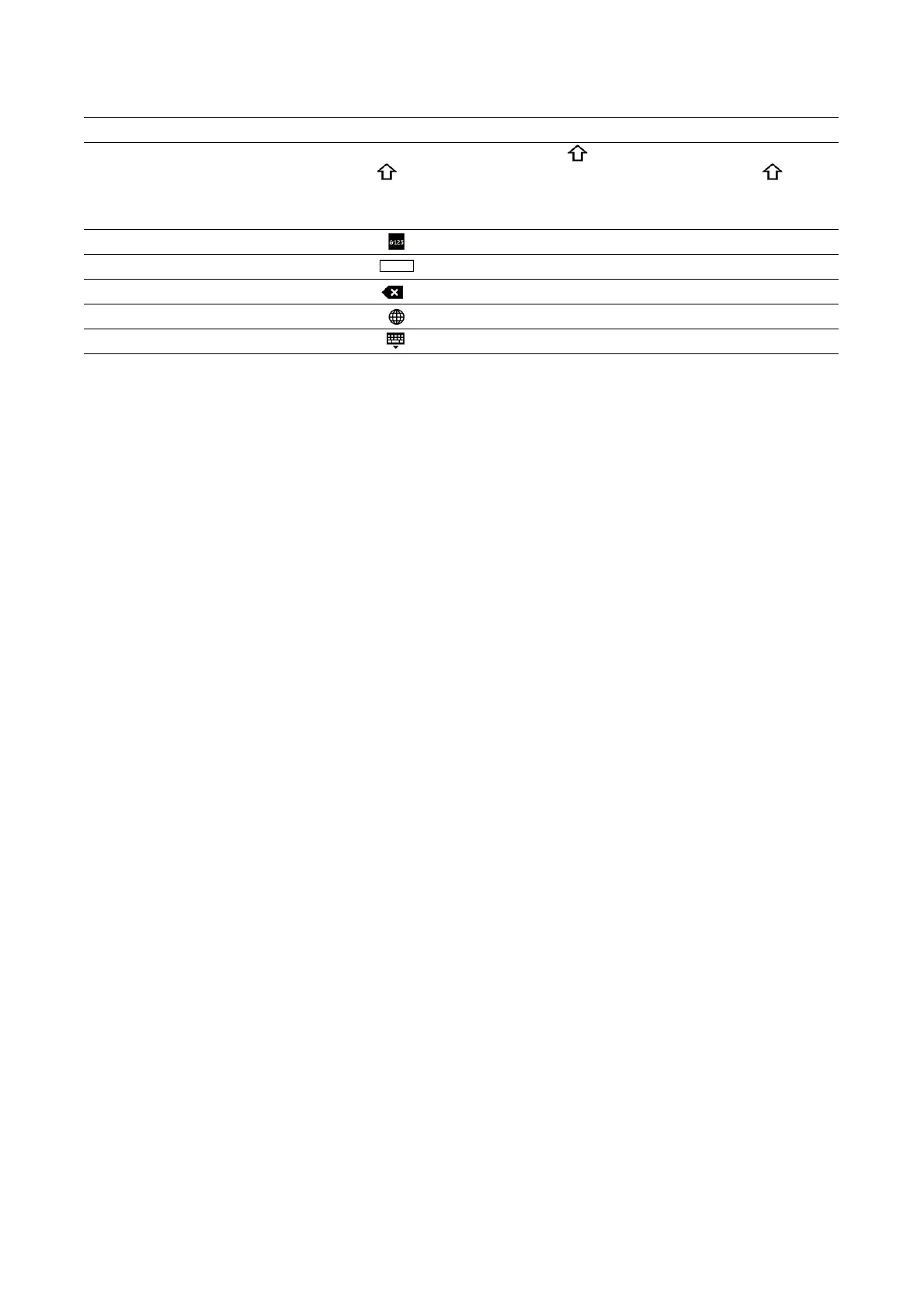
describes how to enter text.
Changing the Language and Keyboard Layout
To change the language and keyboard layout used on the touch panel:
1 On the Home screen, select Device.
2 Select Language.
3 See "Language" to change the language and keyboard layout.
4 Select OK on the Language screen to save the settings.
Setting the Power Saver Timers
You can set the power saver timers for the printer. The printer enters the power saver
mode when the printer is not used for a certain period of time.
1 On the Home screen, select Device.
2 Select General, and then Power Saver.
3 See "Power Saver" to change the values of Low Power Timeout and Sleep
Timeout.
4 Select OK.
Item Description
Entering alphabets To enter uppercase letters, tap . To return to the lowercase letters,
tap again. To lock to the uppercase letters, double-tap .
To enter the accented versions of each letter, tap and hold the key
for the letter you want to accent and select the desired letter.
Entering numbers and symbols Tap
Entering a space Tap
Deleting characters Tap to delete one character at a time.
Changing the language Tap
Closing the keyboard Tap














 To Next Page