78 | Dell Printer Configuration Web Tool
Restart Device
Allows you to restart the printer. Select Restart after the confirmation screen is displayed.
Submit File
Allows you to print a file from the local client device by uploading the file through Dell
Printer Configuration Web Tool.
No driver installation is required.
• XPS stands for XML Paper Specification.
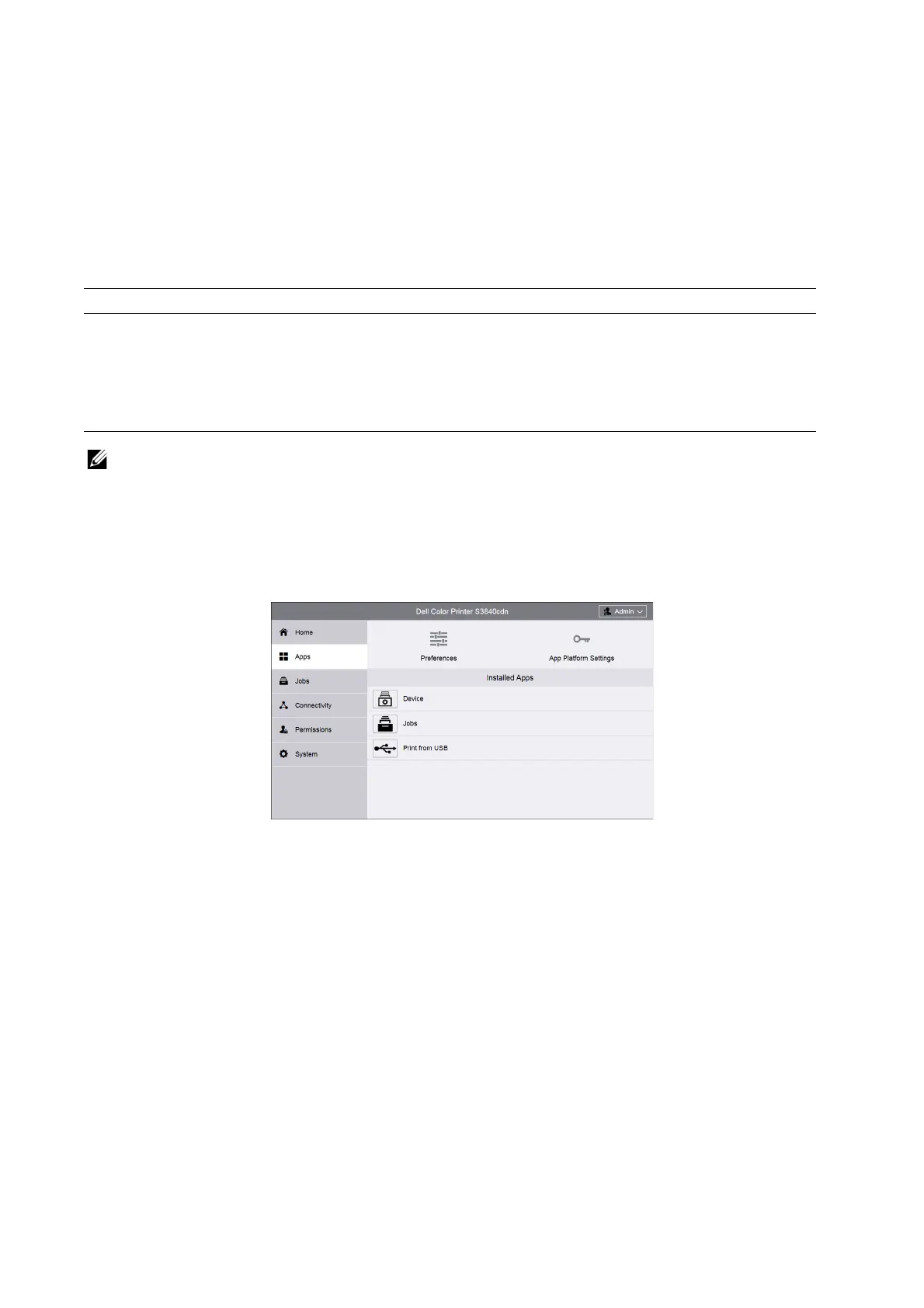
Apps
Allows you to configure the settings related to the apps used on the control panel.
Preferences
Walkup Screen
Set the screen displayed after powering on the machine or canceling the Power Saver
mode.
Supported file format Procedure
PDF, PS, PCL, PRN, XPS, JPEG, TIFF, TXT 1. Enter the path of the file or select a file through
browsing the local file system.
2. Enter the print quantity.
3. Set each print items.
4. Click Submit button and the print job will be submitted.














 To Next Page