Dell Printer Configuration Web Tool | 79
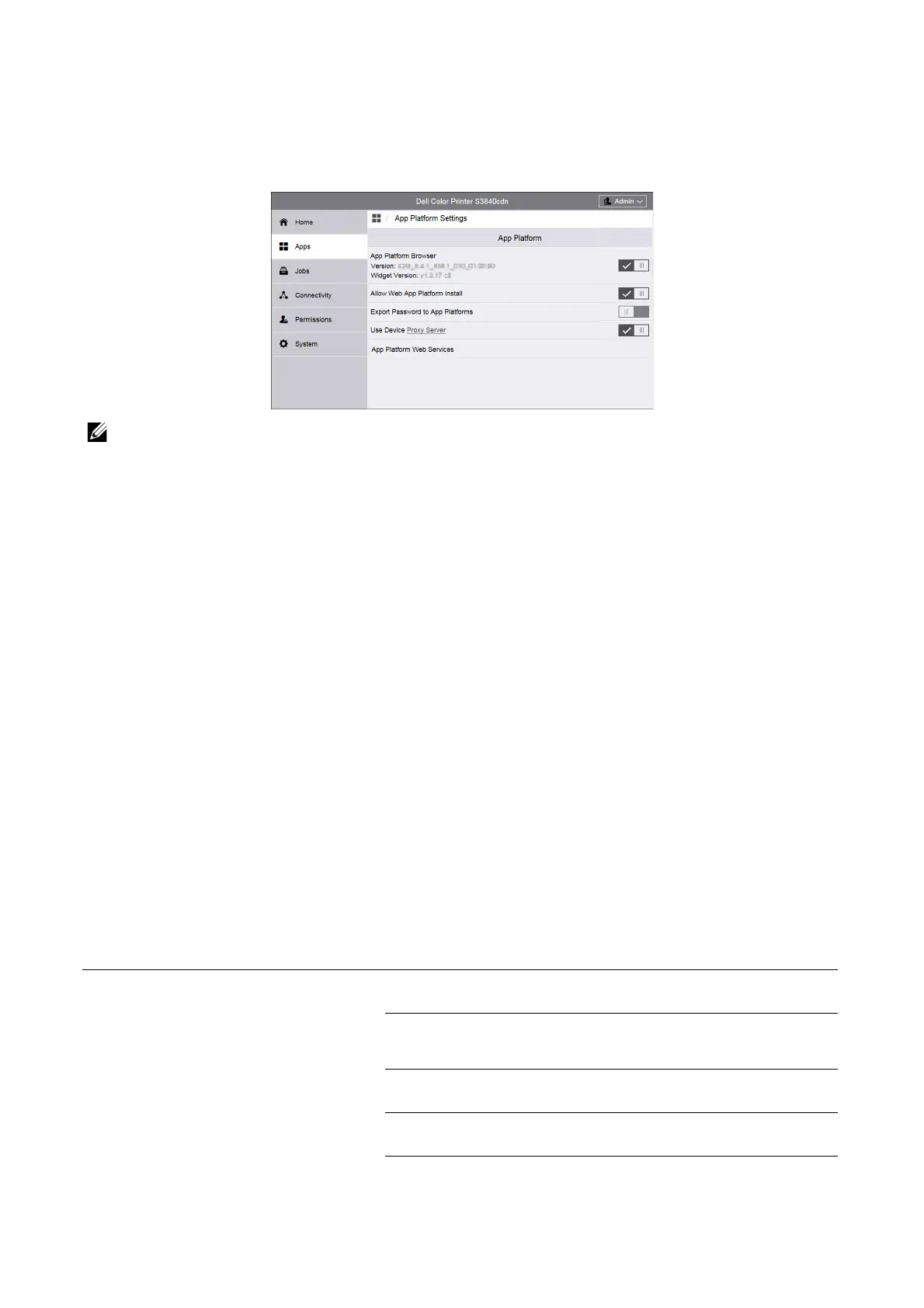
App Platform Settings
Using the App Platform service allows you to use application software on the printer. You
can set the following App Platform settings.
• For information on the installation and usage of application software, refer to the guide provided
with each application software.
App Platform
App Platform Browser
Set whether or not to enable the App Platform browser.
The browser version and the widget version are displayed.
Allow Web App Platform Install
Set whether or not to allow the installation of Web App Platform applications.
Export Password to Apps Platform
Set whether or not to allow login user passwords on the machine or a remote
authentication server to be used for internal applications such as SharePoint
®
Connector,
to set up single sign-on between the machine and the application.
Use Device Proxy Server
Set whether or not to use the device's proxy server.
App Platform Web Services
You can enable or disable the following web services:
Remote System Management Device Configuration
allows obtaining the machine settings and capabilities.
App Platform SNMP Configuration
allows obtaining and setting MIB (management information
base) that can be obtained and set via SNMP.
Extensible Service Registration
allows registering, changing, and deleting applications.
User Interface Configuration
allows managing the initial screen used by applications.
App Platform Proxy Configuration
allows referring and setting the machine proxy information.














 To Next Page