136 | Loading Print Media
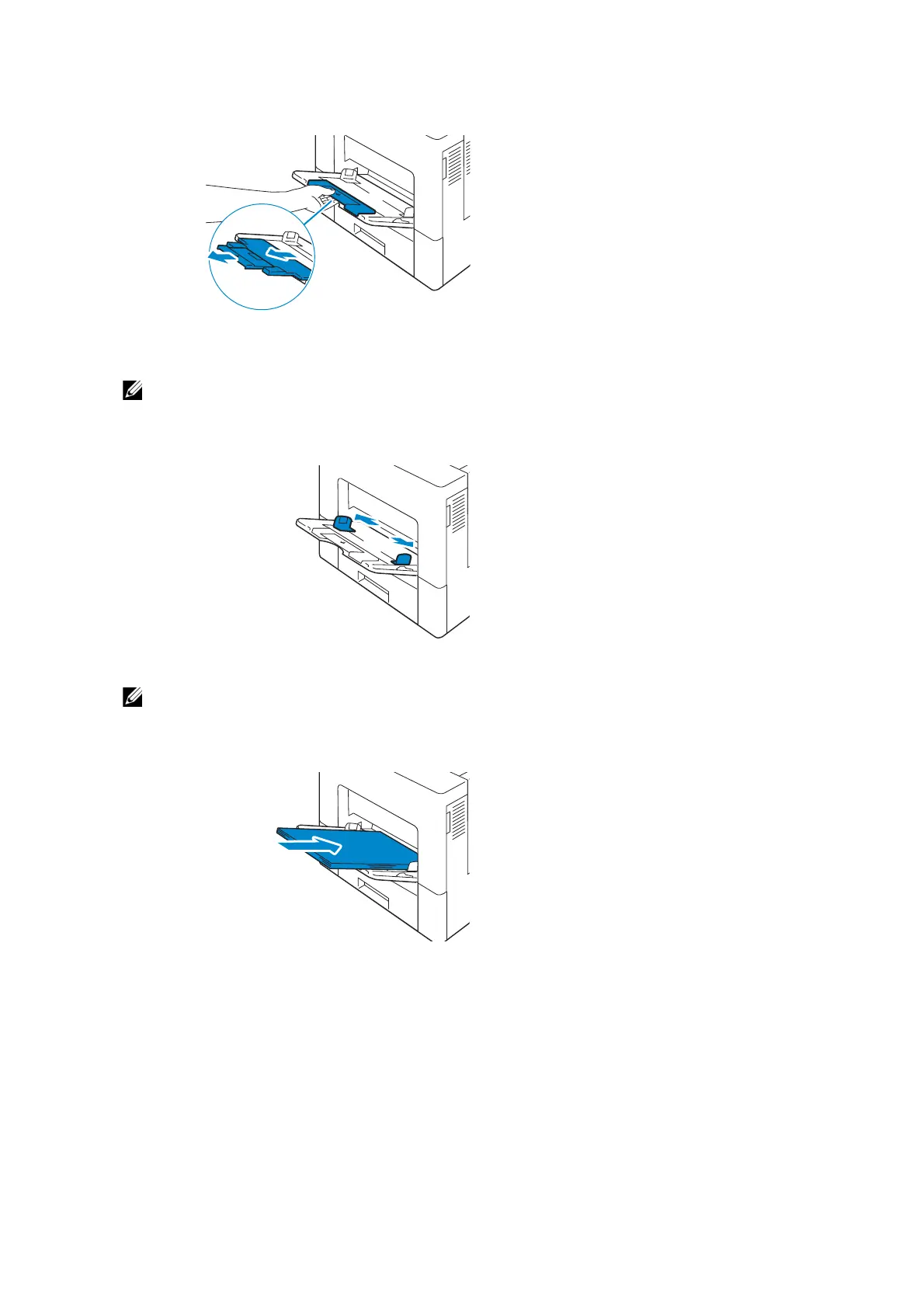
2 Extend the extension tray as necessary.
3 Slide the width guides to the edge of the tray. The width guides should be fully
extended.
• Do not force the print media into the tray.
• When loading coated paper, load one sheet at a time.
4 Insert all media face up and top edge first into the bypass tray.
• Do not force the print media into the tray.
• When loading coated paper, load one sheet at a time.














 To Next Page