76 | Dell Printer Configuration Web Tool
Billing/Usage
You can check the number of pages printed per meter. To check the detailed billing
information, click Details.
Billing Details & Usage Counters
You can check the Device Serial Number, Billing Meters, and Usage Counters.
Billing Meters
You can check the total number of copies and pages printed by individual meters.
Usage Counters
You can check the detailed usage counters.
• "Impressions" in Usage Counters means the counts of images. For example, 2-sided printing
increases the impressions by two.
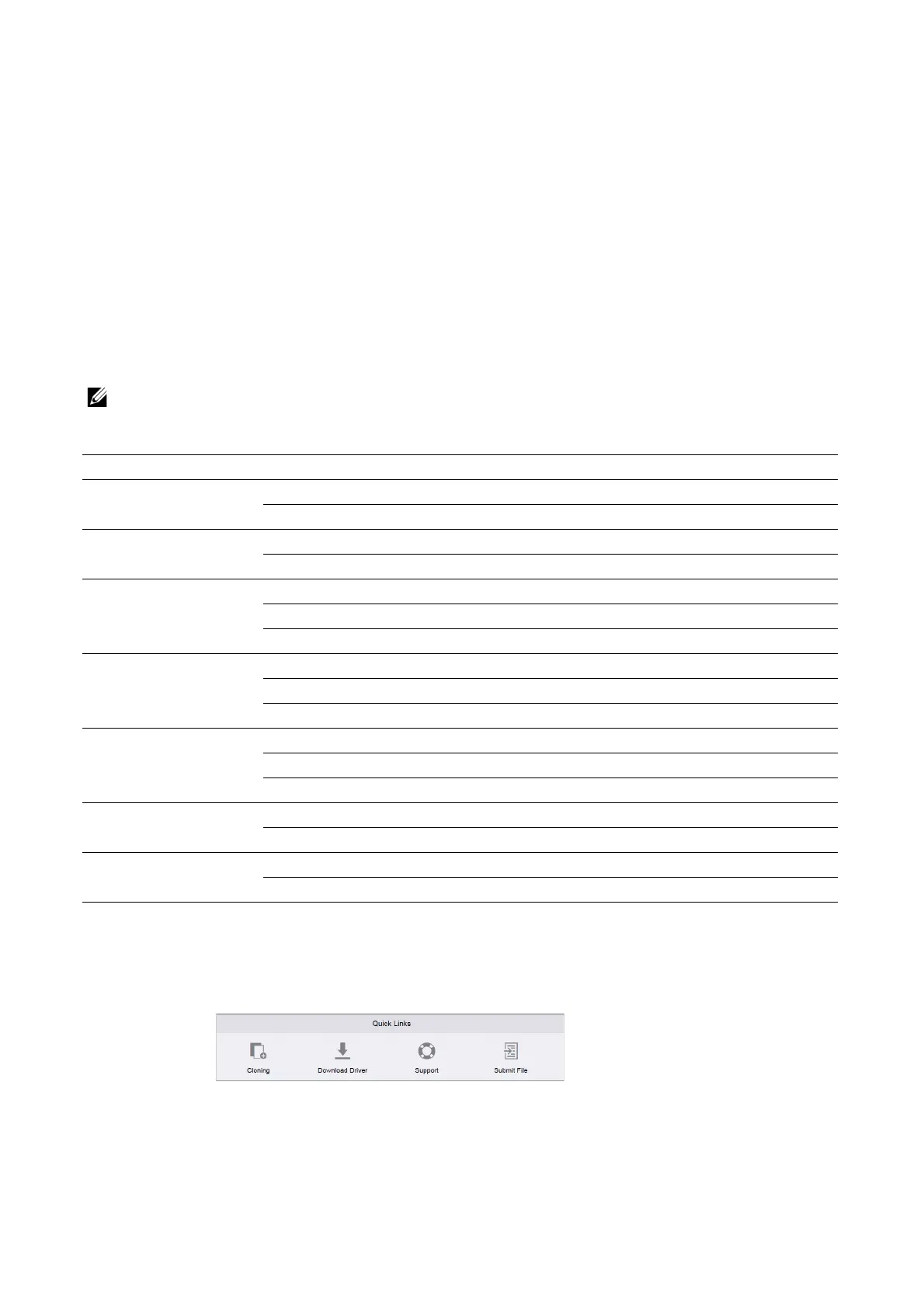
Quick Links
Quick Links provides some convenient functions.
Cloning
This page allows you to copy and download the setting information file of the printer and
to install the setting information file of another machine.
Total Impressions Displays the total number of Color Impressions and Black Impressions.
Black Impressions Displays the total number of pages printed in black and white.
Black Printed Impressions
Color Impressions Displays the total number of pages printed in full color.
Color Printed Impressions
Single Impressions Displays the total number of impressions counted for maintenance services.
Black Single Impressions
Color Single Impressions
Black Sheets Displays the total number of sheets of paper printed in black and white.
Black Printed Sheets
Black Printed 2-Sided Sheets
Color Sheets Displays the total number of sheets of paper printed in full color.
Color Printed Sheets
Color Printed 2-Sided Sheets
Sheets Displays the total number of sheets of paper printed.
(1 Sided and 2 Sided) Printed Sheets
2-Sided Sheets Displays the total number of sheets of paper printed in 2-sided format.
Printed 2-Sided Sheets














 To Next Page