Internet 103
NOTE: Touch the Menu button → Layers → More layers to find more
layers that you can apply to the map. For information about the other
layers, visit the Google Maps website.
NOTE: To remove all of the layers other than the map layer, touch the
Menu button
→ Layers →
Clear Map.
To view a map in street view
You can switch to street view for the location that you found on the
map. The street view is composed of imagery captured from the
streets.
1 Locate a place of interest on the map. For more information, see
To find a location on the map and To move around a map.
2 On the map, touch the name or address of the place.
3 On the location details screen, touch .
4 To view the 360-degree panorama of the area around the place,
turn the view on the screen with your finger.
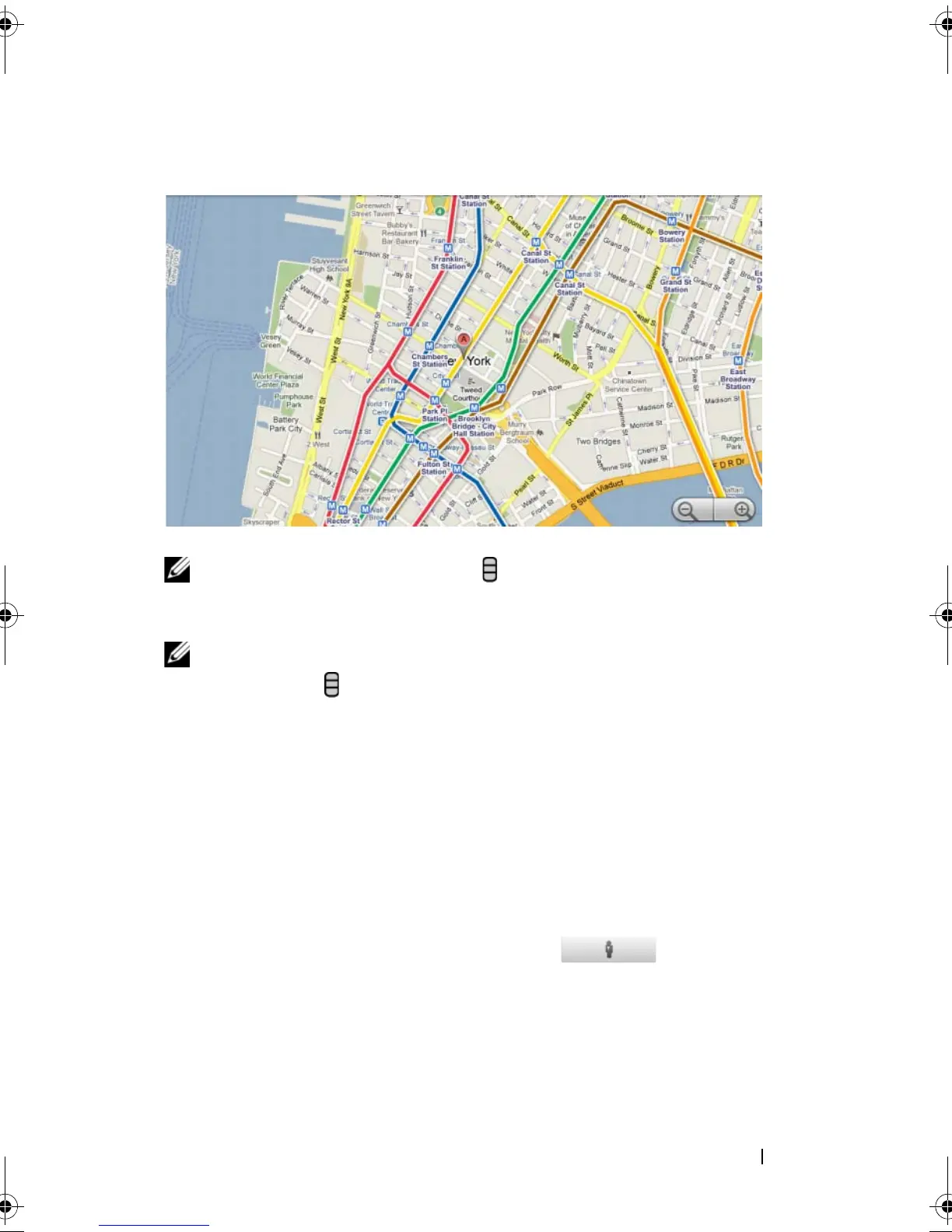
Transit Lines layer
The transit lines layer displays mass-transit routes around the area.
bk0.book Page 103 Friday, November 19, 2010 12:24 PM














 To Next Page