152 Applications
Sound Recorder
Open this application to record voice and sounds and then play them
back. You can also set the recording as a ringtone for your device.
NOTE: Recorder only supports recording in the amr format.
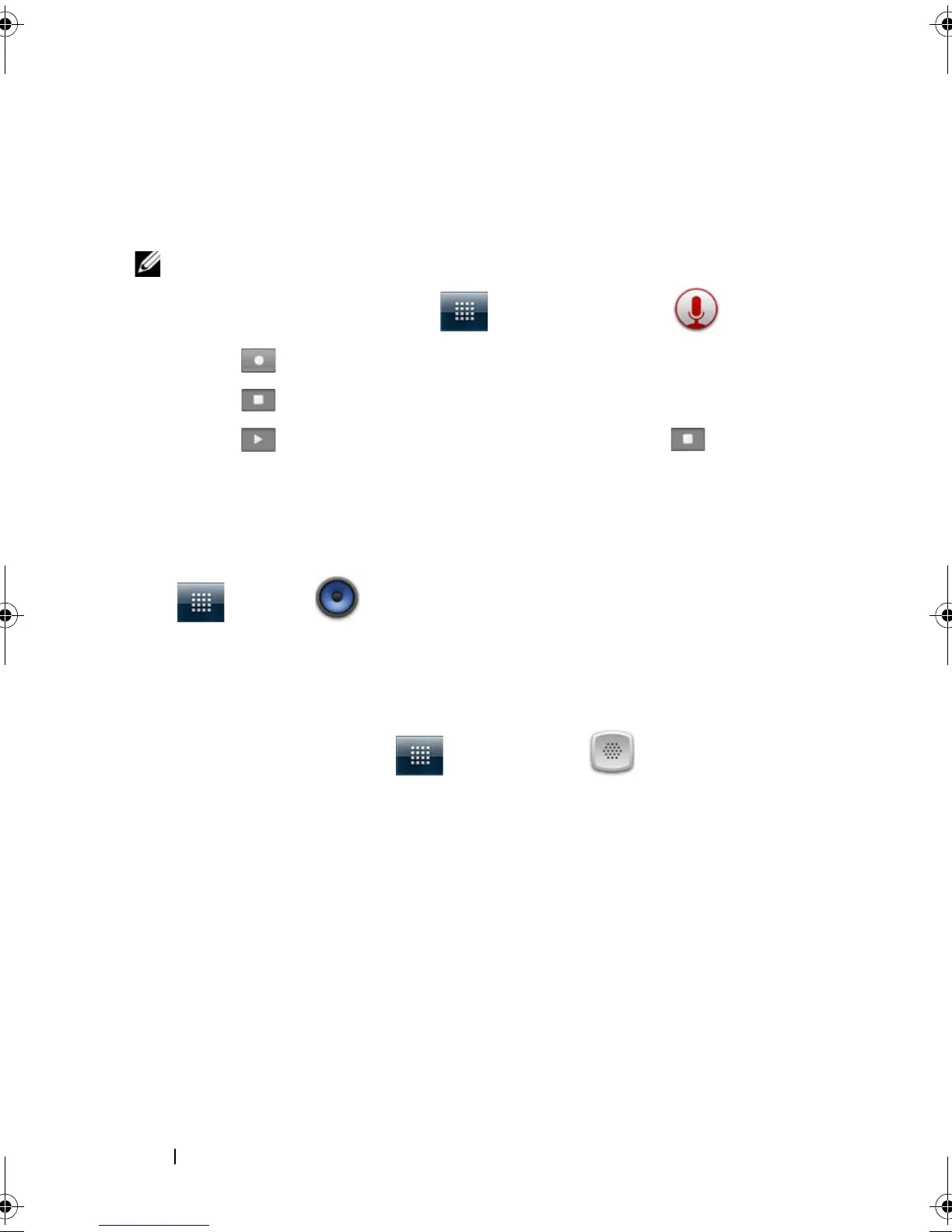
1 Touch the Launcher button → Sound Recorder .
2 Touch to start recording.
3 Touch to end recording.
4 Touch to start playback of the recording; touch to stop
playback.
5 Touch Save this recording to save the recording on the microSD
card.
6 To play back a sound recording again, touch the Launcher button
→ Music → Songs, then select a recording to play. For
information about Music, see Music.
Voice Dialer
Touch the Launcher button → Voice Dialer .
With Voice Dialer you can make calls and run applications by saying
matching voice commands to your device.
Follow on-screen examples and prompts to say the voice commands
that trigger needed actions.
bk0.book Page 152 Friday, November 19, 2010 12:24 PM














 To Next Page