36 Understanding Your Dell™ Streak
Quick Buttons
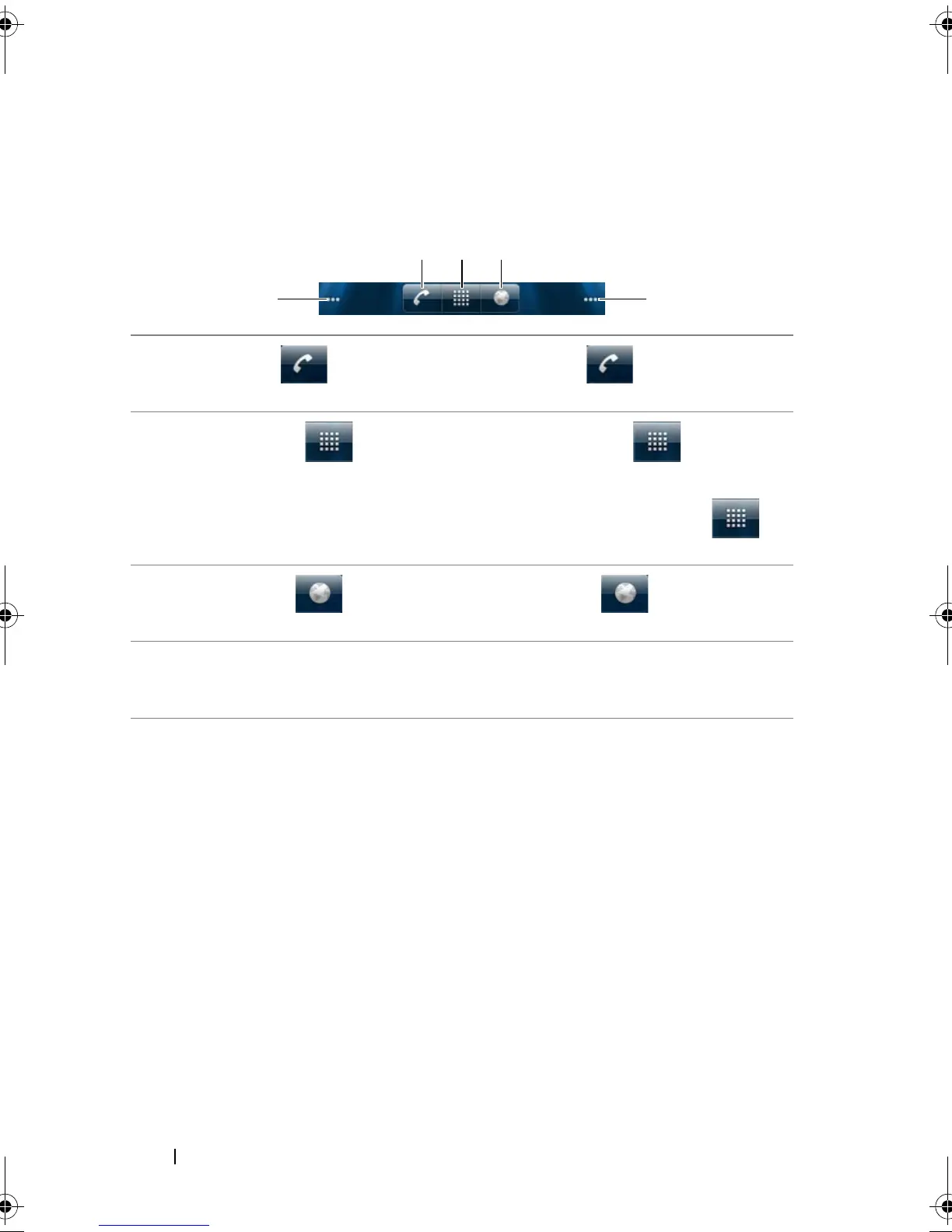
The quick buttons at the bottom of the Home screen allows you to
quickly access the application drawer and some main functions.
1 Phone button Touch the Phone button to open the
Phone application to make calls or find contacts.
2 Launcher button • Touch the Launcher button to display
the applications menu.
• Touch and hold the Launcher button to
display shortcuts to the Home screens.
3 Browser button Touch the Browser button to open the
Browser application.
4 Home screen dots Touch the dots at the bottom right and left of the
screen to move to the desired room of the Home
screen.
bk0.book Page 36 Friday, November 19, 2010 12:24 PM














 To Next Page