Understanding Your Dell™ Streak 21
Shortcut - A link that you can put on your Home Screen to provide
quicker access to an application or a folder containing contacts or
bookmarks.
The Stage Desktop
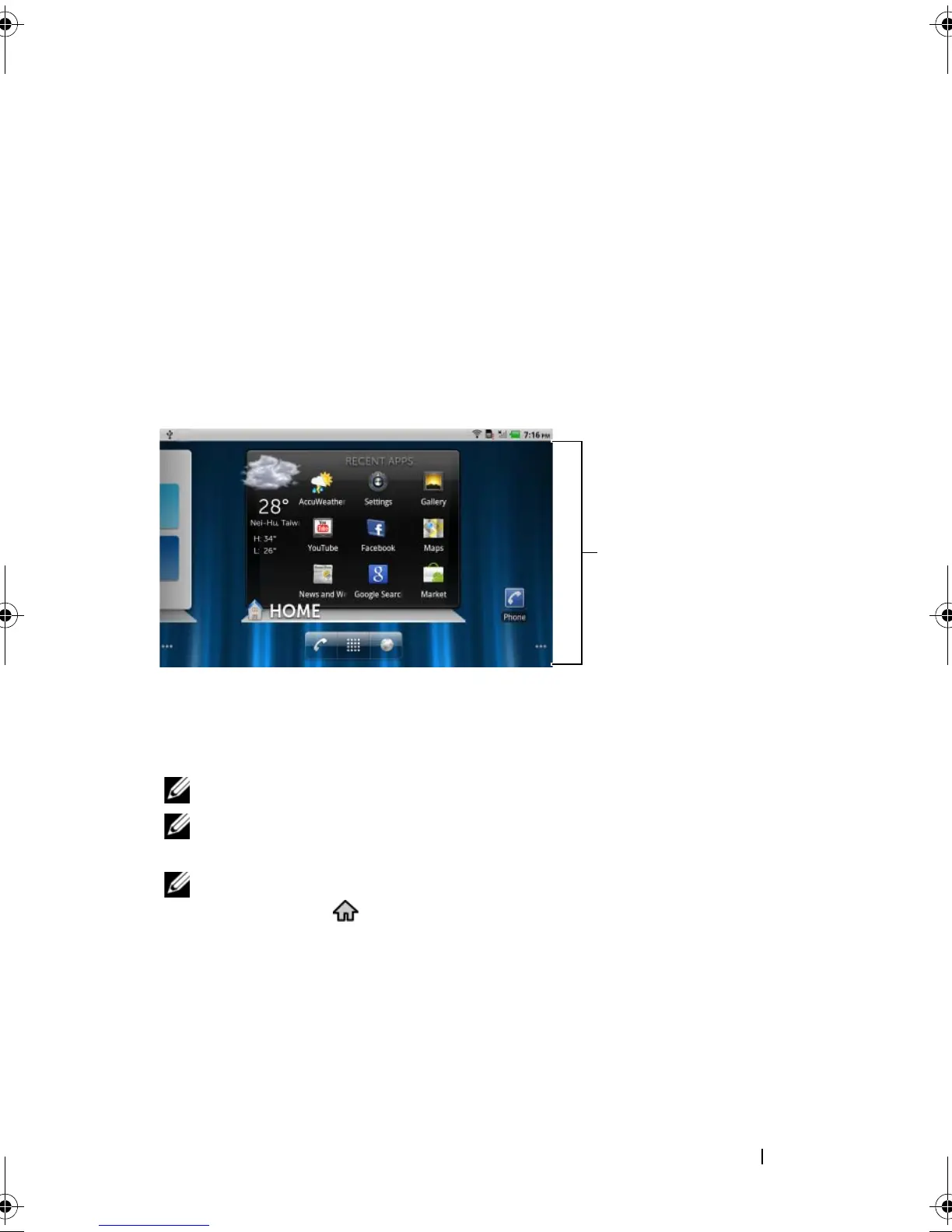
As part of the new Dell™ Stage interface, the Stage desktop is
composed of seven individual screens including the Home screen. The
desktop displays predefined Stage widgets, shortcuts, and widgets to
give you quick and easy access to frequently-used applications,
Twitter or Facebook postings, music, pictures, and more.
You can customize the Stage desktop to your personal preferences by
adding your own shortcuts or widgets, or by displaying your favorite
picture as the desktop wallpaper.
NOTE: The desktop screens are fixed, and cannot be added or deleted.
NOTE: For more information on using Dell Stage widgets, see "Dell™
Stage Widgets" on page 24.
NOTE: To return to the Home screen from anywhere, touch the Home
screen button .
bk0.book Page 21 Friday, November 19, 2010 12:24 PM














 To Next Page