22 Understanding Your Dell™ Streak
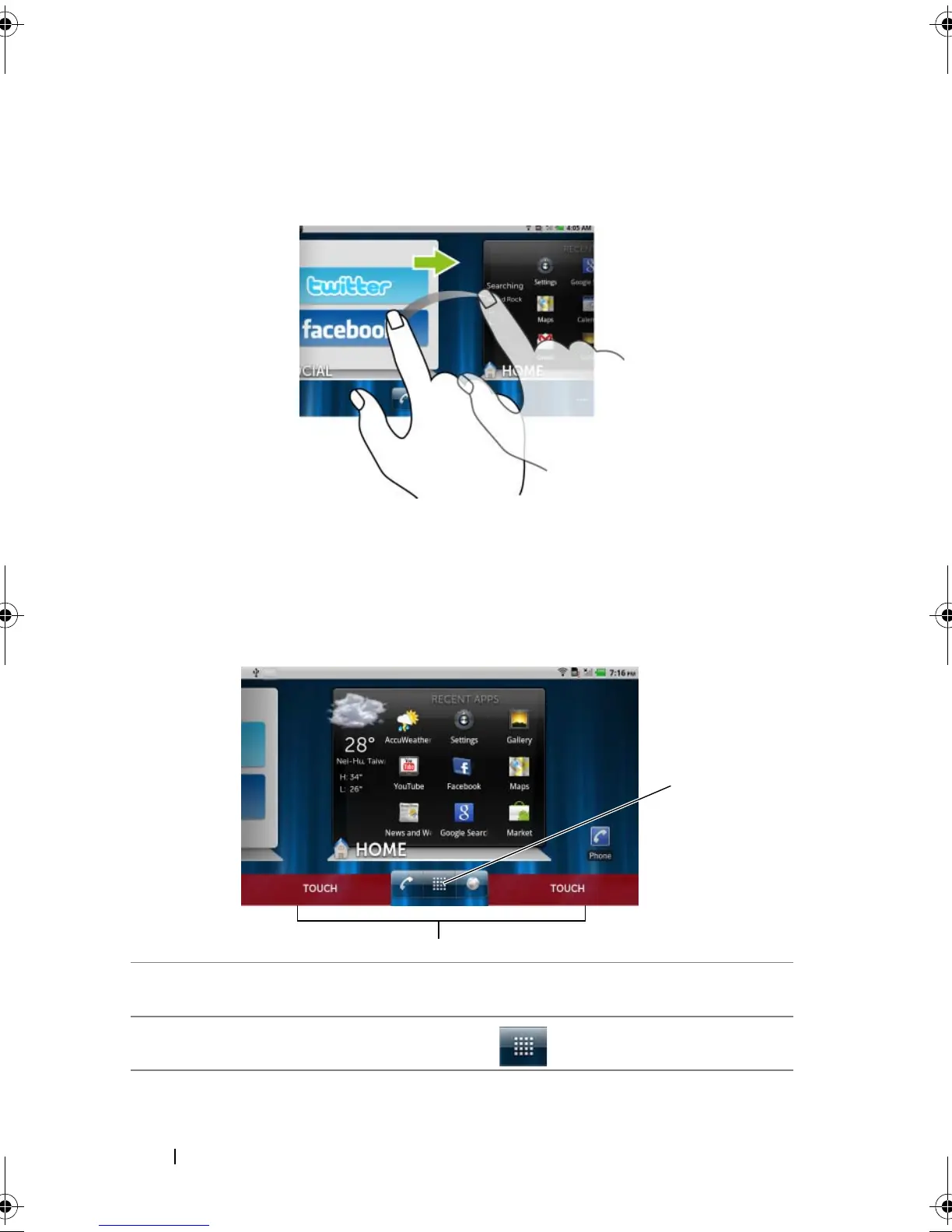
To navigate across the desktop
Flick the desktop horizontally until the desired Home screen is
displayed.
To control the Home screens using Home screen thumbnails
The Home screen thumbnails work as shortcuts to their individual
Home screens. The icon of the thumbnail will change to represent the
Stage widget displayed on the Home screen.
• To bring up the Home screen thumbnails:
1 Touch the bottom area on either side of the quick buttons, as illustrated
in red.
2
Touch and hold the Launcher button to display the thumbnails.
bk0.book Page 22 Friday, November 19, 2010 12:24 PM














 To Next Page