112 Internet
Satellite View Satellite view allows you to view your route
overlaid on 3D satellite views with Google's
high-resolution aerial imagery. Press the
Menu button
→ Layers→ Satellite to turn
on Satellite view.
Street View Street view helps visualize turns with Street
View imagery. Navigation automatically
switches to Street View as you approach
your destination.
Car dock mode Place your phone in a car dock to access
Navigation and Voice Search easily.
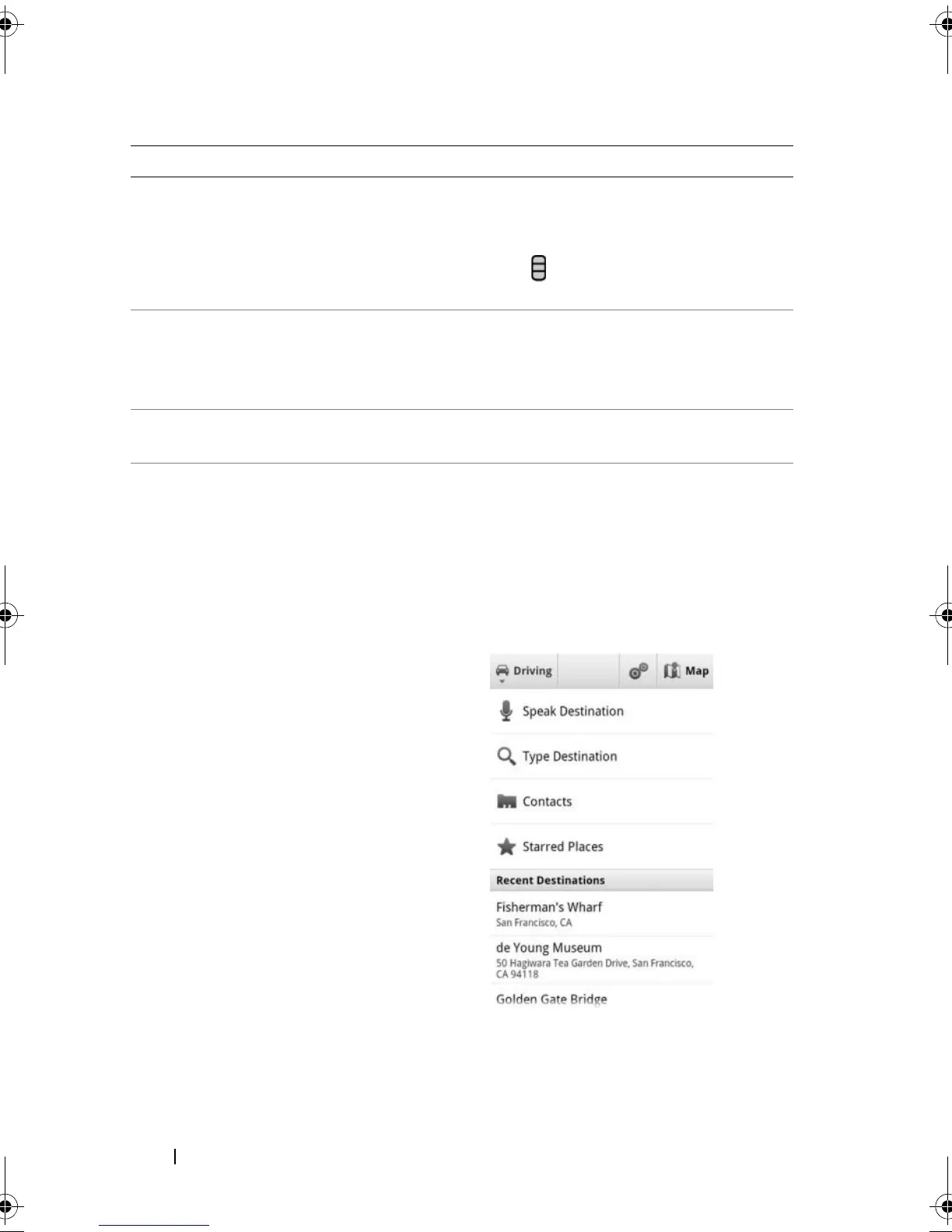
Navigation shortcut • Speak Destination: Say your destination
using Google voice search.
• Type Destination: Type your destination.
• Contacts: Select a destination from the
location of your contacts.
• Starred Places: Select a desalination from
the list of Starred Places.
Feature Description
bk0.book Page 112 Friday, November 19, 2010 12:24 PM














 To Next Page