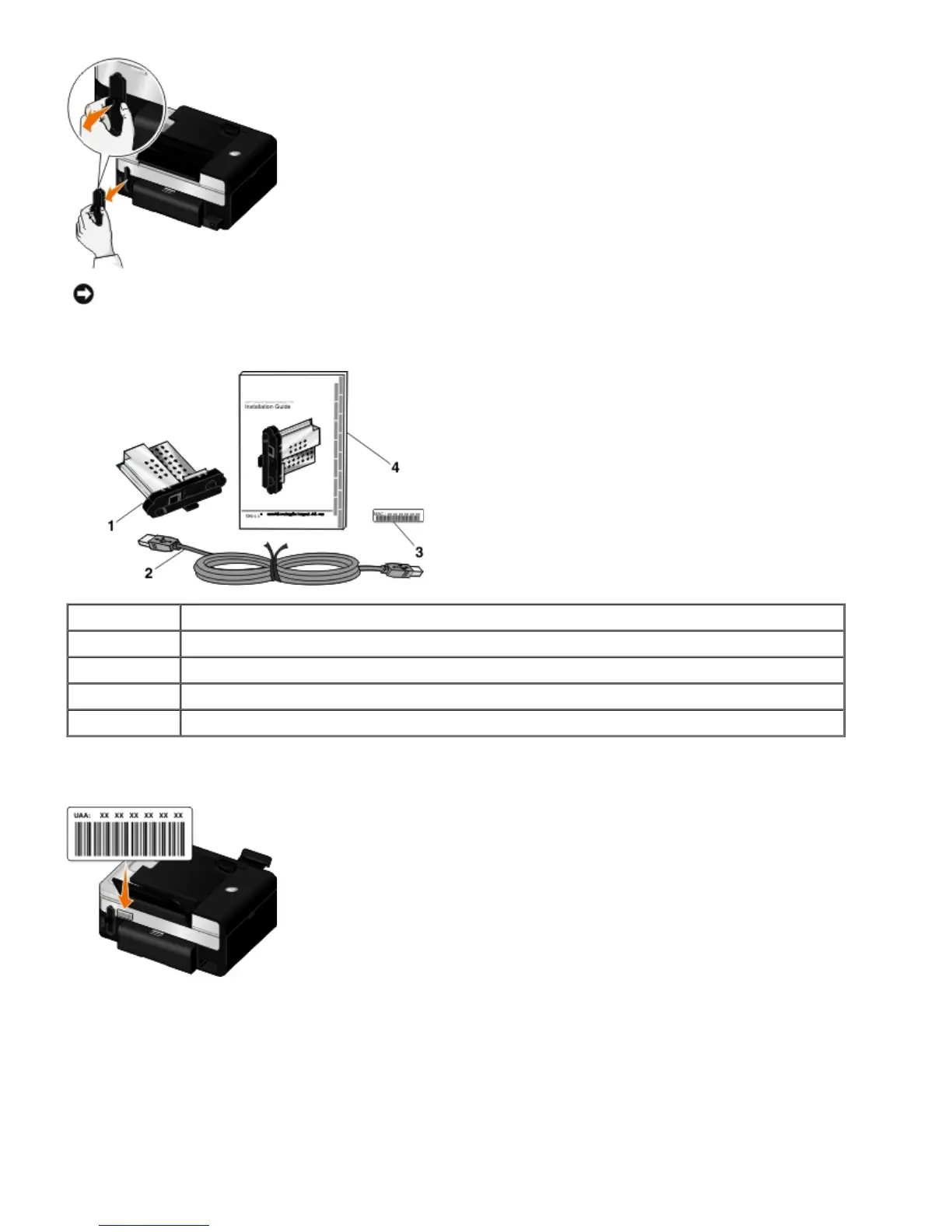
3. Remove the Dell Internal Network Adapter 1150 from the packaging.
4. Attach the MAC address label to the back of your printer.
5. Insert the adapter into the back of the printer until it clicks into place.
NOTICE: Wireless cards are easily damaged by static electricity. Touch a metal object before you touch the
adapter.
Callout Item
1 Dell Internal Network Adapter 1150
2 USB cable
3 MAC address label
4 Dell Internal Network Adapter 1150 Installation Guide














 To Next Page