Understanding the Software
Using the Dell Imaging Toolbox
Using Printing Preferences
Using the Dell Fax Solutions Software
Using the Dell Service Center
Dell Ink Management System
Installing the Adobe
®
Photoshop
®
Album Manually
Installing the Optional XPS Driver
The printer software includes:
Dell Imaging Toolbox– Allows you to perform various scan, copy, fax and print operations with newly scanned
and previously saved documents and images.
Printing Preferences– Allows you to adjust printer settings.
Dell Service Center– Provides step-by-step troubleshooting help, maintenance tasks, and customer support.
Dell Ink Management System™– Warns you when your printer is running low on ink.
Adobe
®
Photoshop
®
Album Starter Edition– Allows you to view, manage, and edit photos stored on your
computer.
Dell Toolbar– Allows you to print black or text-only Windows documents to save ink, and scan photos and edit
scanned text.
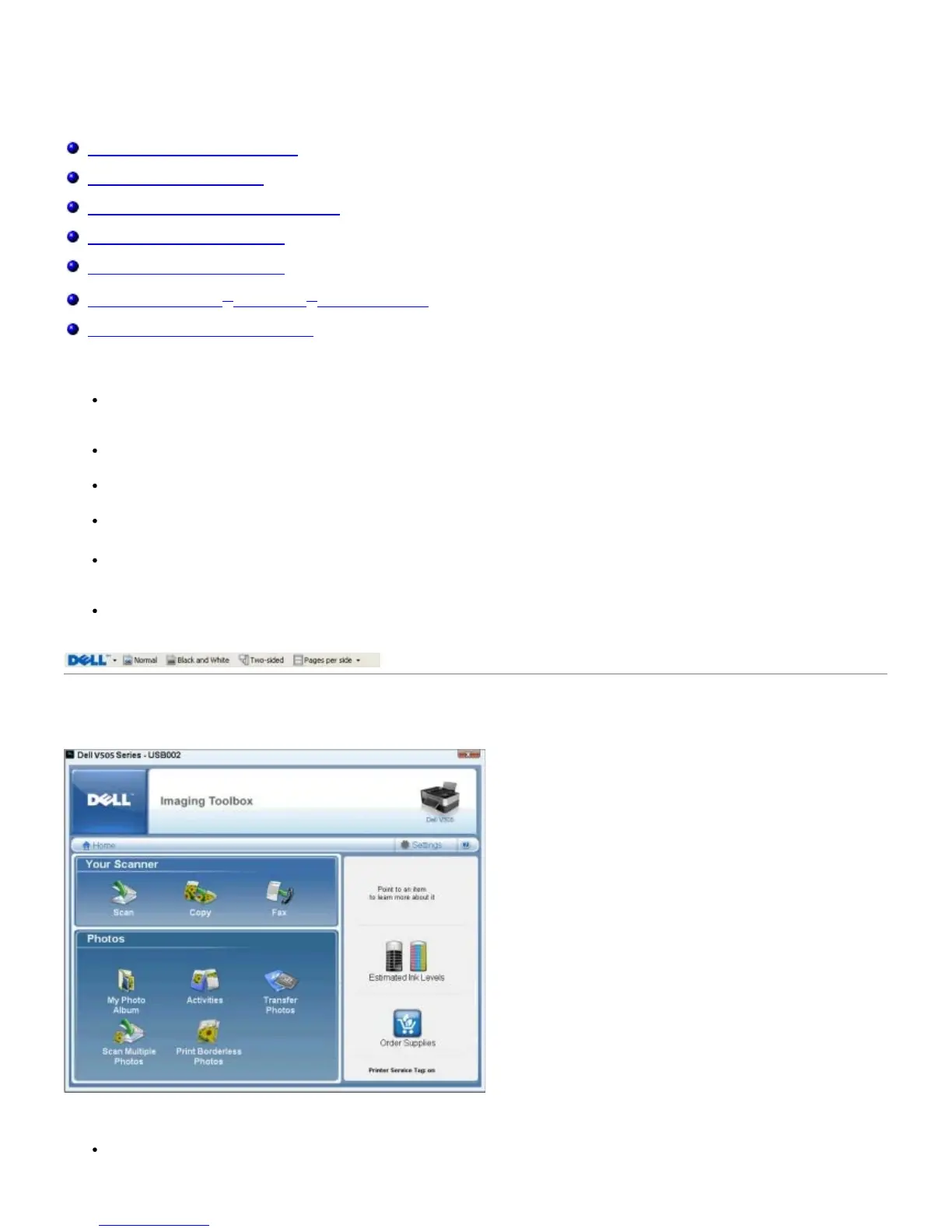
Using the Dell Imaging Toolbox
The Dell Imaging Toolbox allows you to:
Scan, copy, fax, and use a variety of tools for your printing needs.














 To Next Page